Loading...
Searching...
No Matches
guillaume::components::Color Class Reference
Main color of an entity: the fill of a shape, or the ink of a text or an icon. More...
#include <headers/guillaume/components/color.hpp>
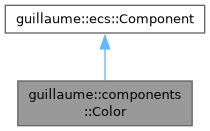
Inheritance diagram for guillaume::components::Color:
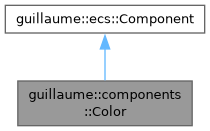
Collaboration diagram for guillaume::components::Color:
Public Member Functions | |
| Color (void) | |
| Construct with the default value of utility::graphic::Color32Bit. | |
| ~Color (void)=default | |
| Default destructor for the Color component. | |
| const utility::graphic::Color32Bit & | getColor () const |
| Get the color. | |
| Color & | setColor (const utility::graphic::Color32Bit &color) |
| Set the color. | |
| Public Member Functions inherited from guillaume::ecs::Component | |
| bool | hasChanged (void) const |
| Tell whether a value of the component changed since the flags were last reset (the end of the previous frame). | |
| void | setHasChanged (bool hasChanged) |
| Raise or lower the changed flag. | |
| Component (void)=default | |
| Create a component that is not marked as changed. | |
| virtual | ~Component (void)=default |
| Virtual destructor, so components can be destroyed through the base class. | |
Detailed Description
Main color of an entity: the fill of a shape, or the ink of a text or an icon.
Read by the render systems (systems::RectangleRender, systems::EllipseRender, systems::RingRender, systems::ArcRender, systems::LineRender, systems::TextRender, systems::GlyphRender) and, as part of their cache key, by systems::MeasureText and systems::MeasureGlyph. Written by the application for a plain entity and by the widget systems for the entities of a widget.
registry.getComponent<components::Color>(id).setColor(
utility::graphic::Color32Bit(103, 80, 164, 255));
Main color of an entity: the fill of a shape, or the ink of a text or an icon.
Definition color.hpp:58
- Note
- A widget system restyles its entities every frame from the active theme and the widget state, so a color set by hand on a widget's entity does not last. Use the widget's own color setters.
- An alpha of 0 makes the fill invisible; the entity still takes part in layout and input.
- See also
- components::Borders for the stroke around a rectangle, components::Line::setColor for a stroke color of its own.
Constructor & Destructor Documentation
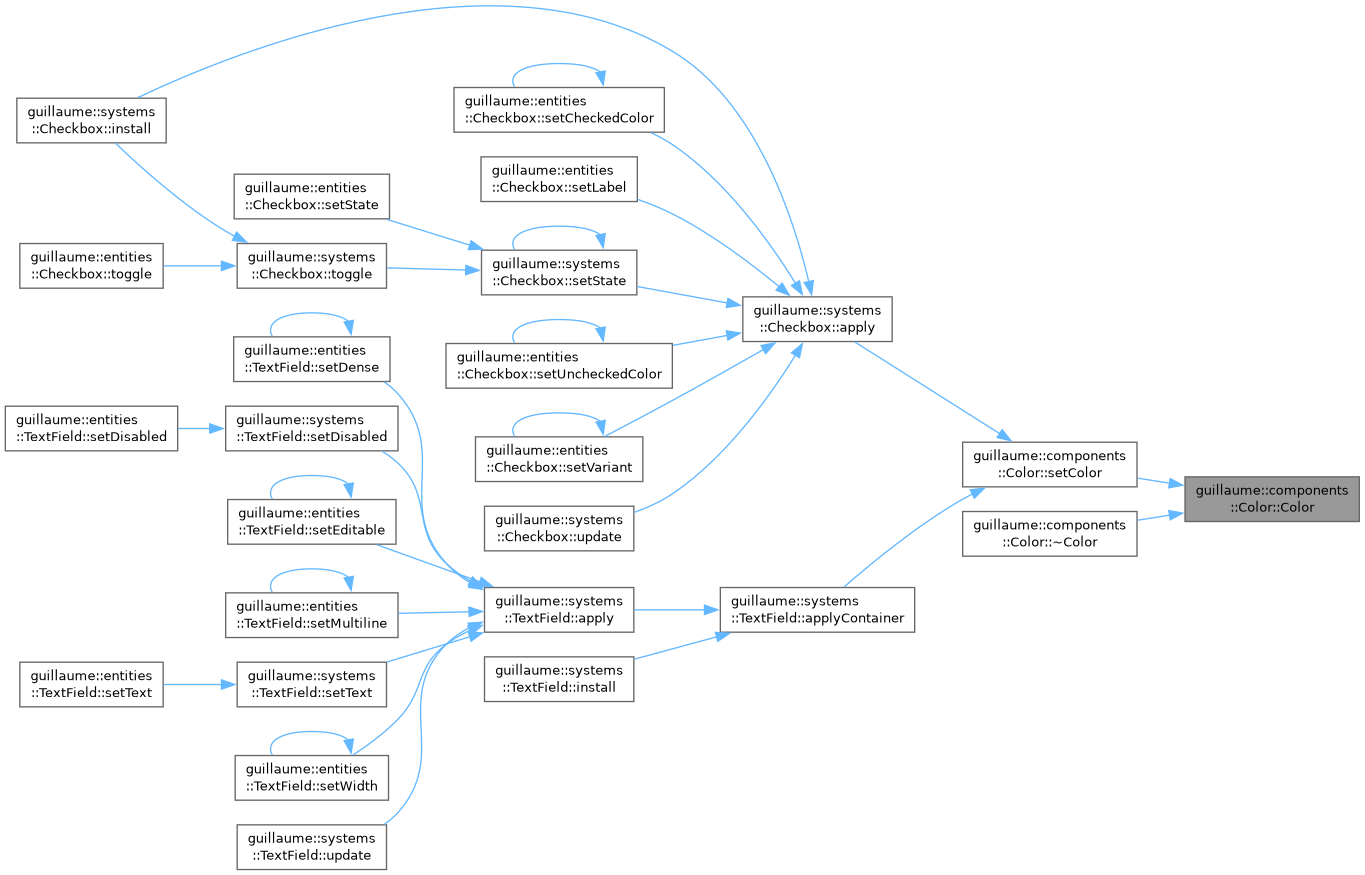
◆ Color()
|
explicit |
Member Function Documentation
◆ getColor()
| const utility::graphic::Color32Bit & guillaume::components::Color::getColor | ( | ) | const |
◆ setColor()
| Color & guillaume::components::Color::setColor | ( | const utility::graphic::Color32Bit & | color | ) |
Set the color.
Marks the component changed only when color differs from the stored one.
- Parameters
-
color The RGBA color, 8 bits per channel.
- Returns
- This component, for chaining.
Definition at line 37 of file color.cpp.
Here is the call graph for this function:

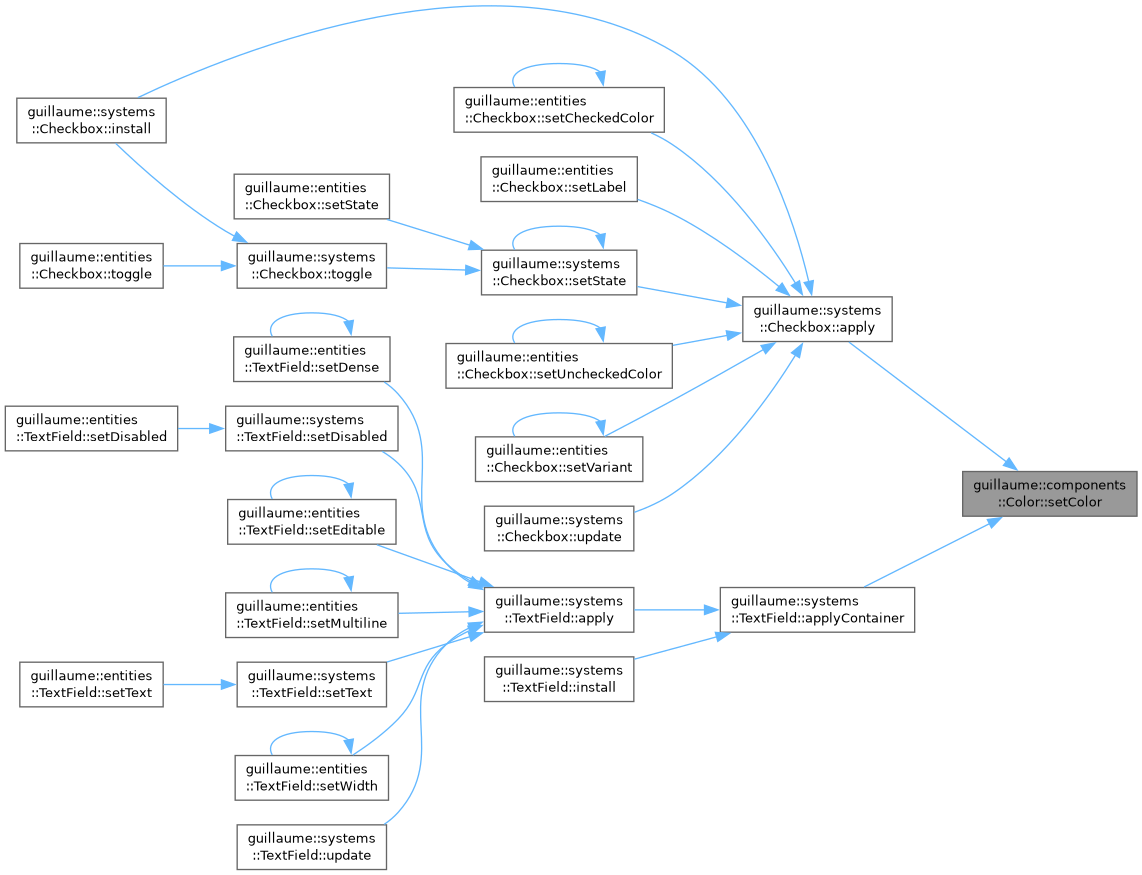
Here is the caller graph for this function:
The documentation for this class was generated from the following files:
