A C++20 UI framework for desktop and XR, built as an entity-component-system. More...
Namespaces | |
| namespace | components |
| State. Every class here is plain data attached to an entity. | |
| namespace | ecs |
| The entity-component-system core, independent of any widget. | |
| namespace | entities |
| Widgets: the classes used to create entities with the right components and children. | |
| namespace | event |
| Delivery of engine events to the systems that subscribed to them. | |
| namespace | systems |
| Rules. Every class here runs each frame on the entities that have the components it declares. | |
| namespace | theme |
| Design tokens: colors, type scale, shapes, elevation, motion and spacing. Read them through guillaume::getActiveTheme and the helpers of guillaume/theme.hpp. | |
Classes | |
| class | Application |
| The entry point of a program: owns the engine, the scenes and the systems, and runs the frame loop. More... | |
| class | ComponentRegistry |
| An ecs::ComponentRegistry whose storages for the general-purpose components (geometry, appearance, interaction) exist from construction. More... | |
| class | EventHandler |
| Interface of an event source: something that reads platform input and reports it as utility::event::Event objects through a callback. More... | |
| class | LocalStorage |
| Key-value storage kept in a file: the place for data that must be found again at the next start (preferences, a saved session). More... | |
| class | MeshRenderable |
| What a render system hands to the engine to draw geometry: a list of meshes and the name of the material to draw them with. More... | |
| class | Metadata |
| The identity card of an application: its name, version, author and similar descriptive strings. More... | |
| class | Scene |
| One screen of the application: it owns the entities shown and the components that hold their state. More... | |
| class | SceneManager |
| Owns the scenes of an application, knows which one is active, and performs the switches between them. More... | |
| class | SessionStorage |
| Key-value storage that lasts as long as the process: the place for data shared between scenes that need not survive a restart. More... | |
| class | Storage |
| A key-value store of strings, modelled on the web Storage API (setItem, getItem, removeItem, clear). More... | |
| class | TextRenderable |
| What a render system hands to the engine to draw a piece of text: glyph quads already placed in world coordinates. More... | |
| class | ExtendedColor |
| A color with a name and a description, as stored in a Scheme or a Palette. More... | |
| class | Scheme |
| One complete set of colors: a color for every SchemeColorRole. More... | |
| class | Palette |
| The shades of one color family, from black (tone 0) to white (tone 100). More... | |
| class | Theme |
| Every design token of the UI in one object: colors, type scale, corner shapes, elevation, state layers and motion. More... | |
Concepts | |
| concept | InheritFromEventHandler |
| Constrains a template parameter to a type derived from EventHandler. | |
| concept | InheritFromScene |
| Constrains a template parameter to a type derived from Scene. | |
| concept | AllDistinct |
| Constrains a parameter pack to types that are all different. | |
Enumerations | |
| enum class | SchemeColorRole : std::size_t { Primary , SurfaceTint , OnPrimary , PrimaryContainer , OnPrimaryContainer , Secondary , OnSecondary , SecondaryContainer , OnSecondaryContainer , Tertiary , OnTertiary , TertiaryContainer , OnTertiaryContainer , Error , OnError , ErrorContainer , OnErrorContainer , Background , OnBackground , Surface , OnSurface , SurfaceVariant , OnSurfaceVariant , Outline , OutlineVariant , Shadow , Scrim , InverseSurface , InverseOnSurface , InversePrimary , PrimaryFixed , OnPrimaryFixed , PrimaryFixedDim , OnPrimaryFixedVariant , SecondaryFixed , OnSecondaryFixed , SecondaryFixedDim , OnSecondaryFixedVariant , TertiaryFixed , OnTertiaryFixed , TertiaryFixedDim , OnTertiaryFixedVariant , SurfaceDim , SurfaceBright , SurfaceContainerLowest , SurfaceContainerLow , SurfaceContainer , SurfaceContainerHigh , SurfaceContainerHighest , SurfaceDisabled , OnSurfaceDisabled , Backdrop , Count } |
| The named colors of a scheme: what a color is used for, not what it looks like. More... | |
| enum | ThemeSchemeRole : size_t { Light , LightMediumContrast , LightHighContrast , Dark , DarkMediumContrast , DarkHighContrast , ThemeSchemeCount } |
| The six color schemes a Theme holds: light and dark, each in standard, medium and high contrast. More... | |
| enum | ThemePaletteRole : size_t { Primary , Secondary , Tertiary , Neutral , NeutralVariant , ThemePaletteCount } |
| The five tonal palettes a Theme holds, one per color family. More... | |
Functions | |
| const Theme & | getActiveTheme (void) |
| Get the theme every widget and system reads its tokens from. | |
| void | setActiveTheme (const Theme &theme) |
| Replace the active theme by a copy of another theme. | |
| const Scheme & | getActiveScheme (void) |
| Get the color scheme in use: the scheme of the active theme selected by setActiveScheme(). | |
| utility::graphic::Color32Bit | getActiveColor (SchemeColorRole role) |
| Get the color the active scheme gives to a role. | |
| void | setActiveScheme (ThemeSchemeRole role) |
| Choose which of the six schemes of the active theme is in use, for instance to switch between light and dark. | |
| const theme::Typescale & | getActiveTypescale (void) |
| Get the text styles of the active theme. | |
| const theme::TypeToken & | getTypeToken (theme::TypeRole role) |
| Get the text style the active theme gives to a role: font family, weight, size, line height and letter spacing. | |
| float | getShapeRadius (theme::ShapeRole role) |
| Get the corner radius the active theme gives to a shape role. | |
| std::uint8_t | getStateLayerAlpha (theme::StateLayer layer) |
| Get the opacity the active theme gives to a state layer, as an alpha channel value. | |
| const theme::ElevationToken & | getElevationToken (theme::ElevationLevel level) |
| Get the shadow and tint the active theme gives to an elevation level. | |
| utility::graphic::Color32Bit | getElevatedSurfaceColor (theme::ElevationLevel level) |
| Get the background color of a surface raised to an elevation level. | |
| float | getMotionDuration (theme::MotionDuration duration) |
| Get the length the active theme gives to a duration token. | |
| Theme | initializeDefaultTheme (void) |
| Build the default Material Design 3 theme. | |
Variables | |
| template<typename... Types> | |
| constexpr bool | areDistinct = true |
| True when no type appears twice in a parameter pack. | |
| template<typename First, typename... Rest> | |
| constexpr bool | areDistinct< First, Rest... > |
| Recursive case: the first type differs from every other one and the remaining types are distinct. | |
| const Theme | defaultTheme |
| The theme of the library: Material Design 3 baseline colors (six schemes, five palettes) and scales. | |
Detailed Description
A C++20 UI framework for desktop and XR, built as an entity-component-system.
The three ideas to keep in mind:
- A component is plain state attached to an entity (a size, a color, a checkbox configuration). See guillaume::components.
- A system holds the rules. It runs every frame on every entity that has the components it needs. See guillaume::systems.
- An entity is an identifier. The widget classes of guillaume::entities (Button, Checkbox, ...) are the comfortable way to create one with the right components and children.
A program creates an Application with one or more Scene types and an engine, builds widgets in Scene::onEnter, and calls Application::run.
- See also
- guillaume::Application, guillaume::Scene
Enumeration Type Documentation
◆ SchemeColorRole
|
strong |
The named colors of a scheme: what a color is used for, not what it looks like.
Widgets never hard-code a color; they ask for a role (getActiveColor(SchemeColorRole::Primary)) and get the color the active scheme gives it. The roles are those of Material Design 3 and follow its naming:
- Primary, Secondary, Tertiary, Error: accent fills.
- XContainer: a quieter fill of the same family.
- OnX: the color of text and icons drawn on top of X.
- Surface...: backgrounds, from SurfaceContainerLowest to SurfaceContainerHighest by increasing emphasis.
- ...Fixed, ...FixedDim: fills that are the same in light and dark schemes.
- See also
- Scheme
- getActiveColor
◆ ThemePaletteRole
| enum guillaume::ThemePaletteRole : size_t |
The five tonal palettes a Theme holds, one per color family.
The palettes are the raw material the scheme colors are picked from.
- Note
- The enumeration is unscoped: Neutral and ThemePaletteRole::Neutral both name the same value.
◆ ThemeSchemeRole
| enum guillaume::ThemeSchemeRole : size_t |
The six color schemes a Theme holds: light and dark, each in standard, medium and high contrast.
setActiveScheme() chooses which one the widgets read; it starts as Light.
- Note
- The enumeration is unscoped: Dark and ThemeSchemeRole::Dark both name the same value.
Function Documentation
◆ getActiveColor()
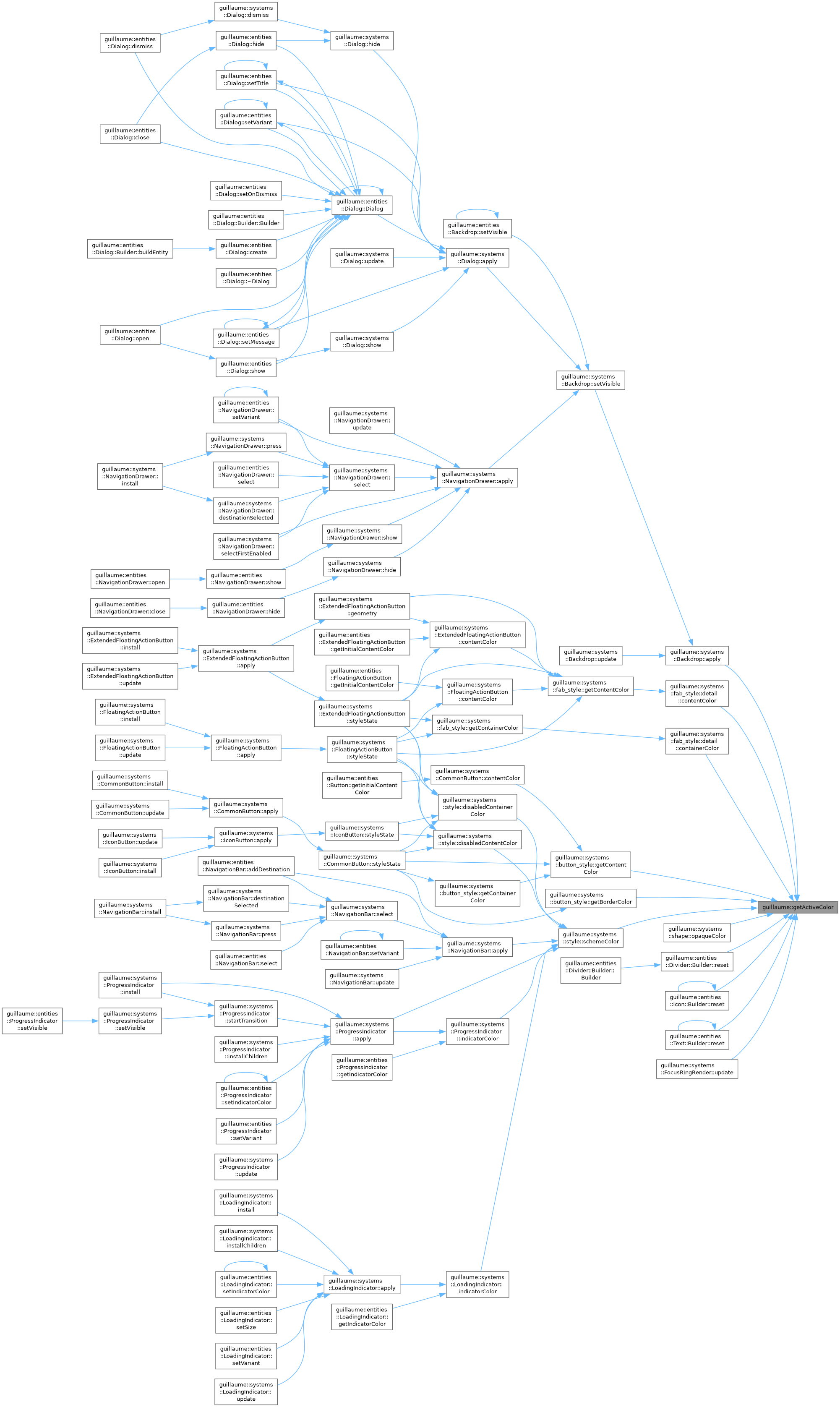
| utility::graphic::Color32Bit guillaume::getActiveColor | ( | SchemeColorRole | role | ) |
Get the color the active scheme gives to a role.
This is the call widgets and systems use for every color: getActiveColor(SchemeColorRole::OnSurface).
- Parameters
-
role The role to resolve. Must not be SchemeColorRole::Count.
- Returns
- The color, 8 bits per RGBA channel, by value.
◆ getActiveScheme()
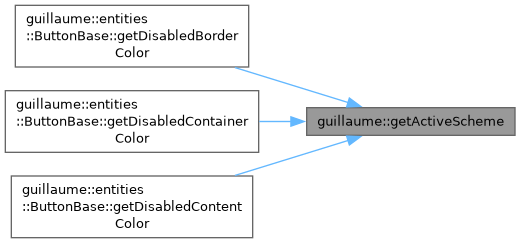
| const Scheme & guillaume::getActiveScheme | ( | void | ) |
Get the color scheme in use: the scheme of the active theme selected by setActiveScheme().
- Returns
- The active scheme, read-only.
◆ getActiveTheme()
| const Theme & guillaume::getActiveTheme | ( | void | ) |
Get the theme every widget and system reads its tokens from.
There is one active theme for the whole program. Until setActiveTheme() is called it has the content of defaultTheme.
- Returns
- The active theme, read-only. The reference stays valid; setActiveTheme() changes the object it designates.
◆ getActiveTypescale()
| const theme::Typescale & guillaume::getActiveTypescale | ( | void | ) |
Get the text styles of the active theme.
- Returns
- The active type scale, read-only.
◆ getElevatedSurfaceColor()
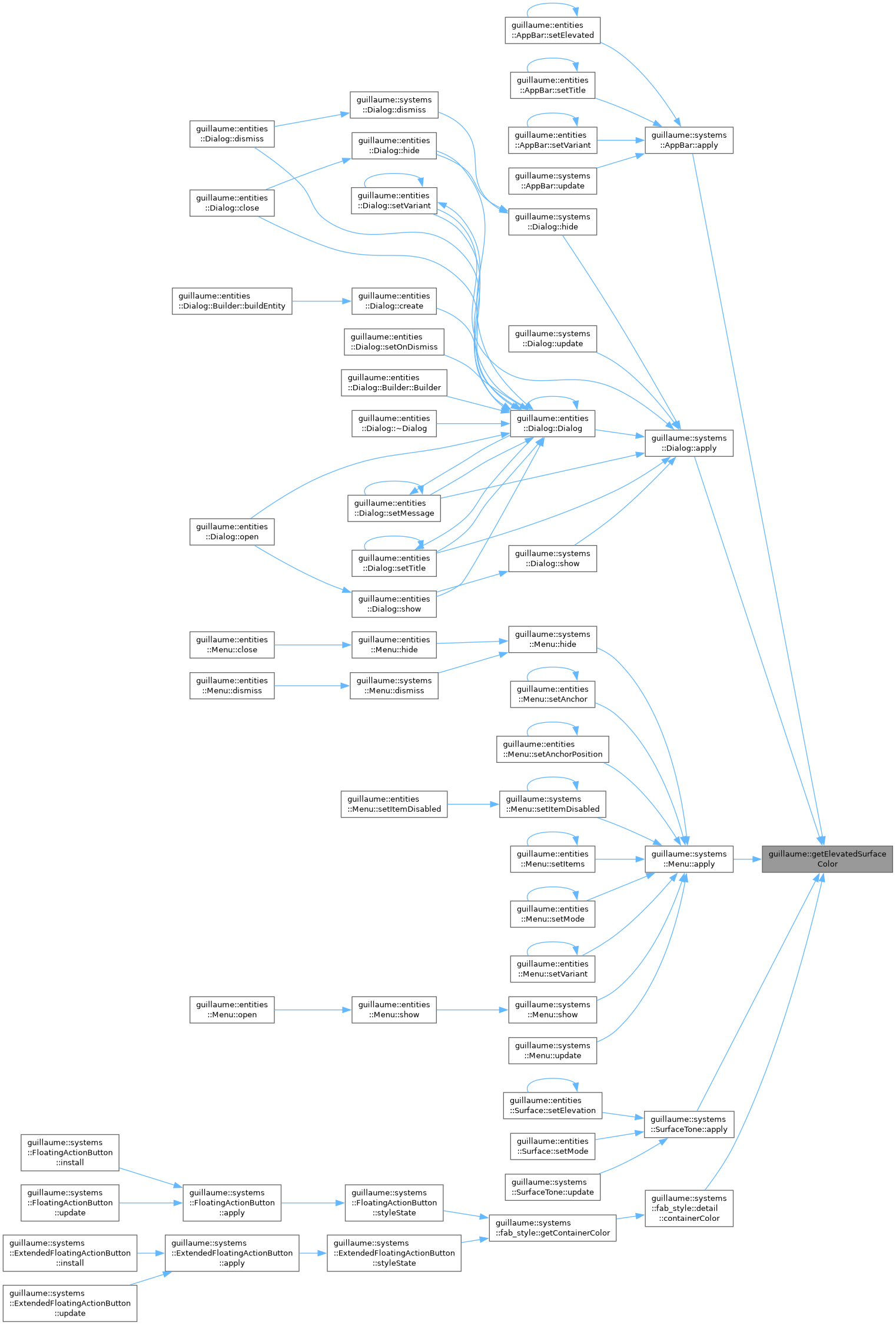
| utility::graphic::Color32Bit guillaume::getElevatedSurfaceColor | ( | theme::ElevationLevel | level | ) |
Get the background color of a surface raised to an elevation level.
It is the active scheme's Surface color with its SurfaceTint blended over it at the tint opacity of the level: the higher the level, the stronger the tint.
- Parameters
-
level The elevation level of the surface.
- Returns
- The tinted surface color; the plain Surface color for Level0 in the default theme.
- Exceptions
-
std::out_of_range When level is theme::ElevationLevel::Count.
◆ getElevationToken()
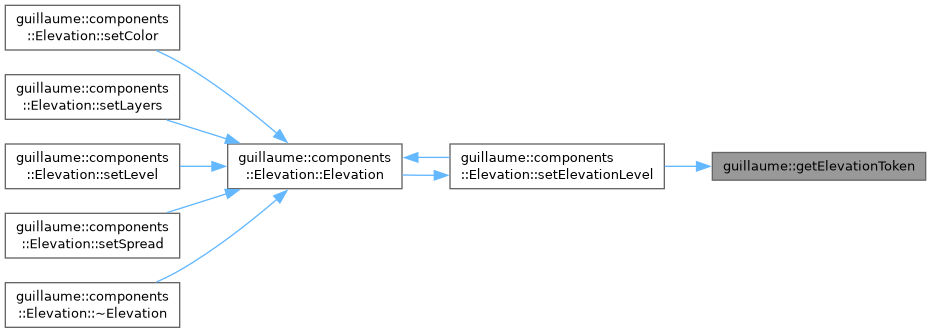
| const theme::ElevationToken & guillaume::getElevationToken | ( | theme::ElevationLevel | level | ) |
Get the shadow and tint the active theme gives to an elevation level.
- Parameters
-
level The elevation level to resolve.
- Returns
- The token of that level, read-only.
- Exceptions
-
std::out_of_range When level is theme::ElevationLevel::Count.
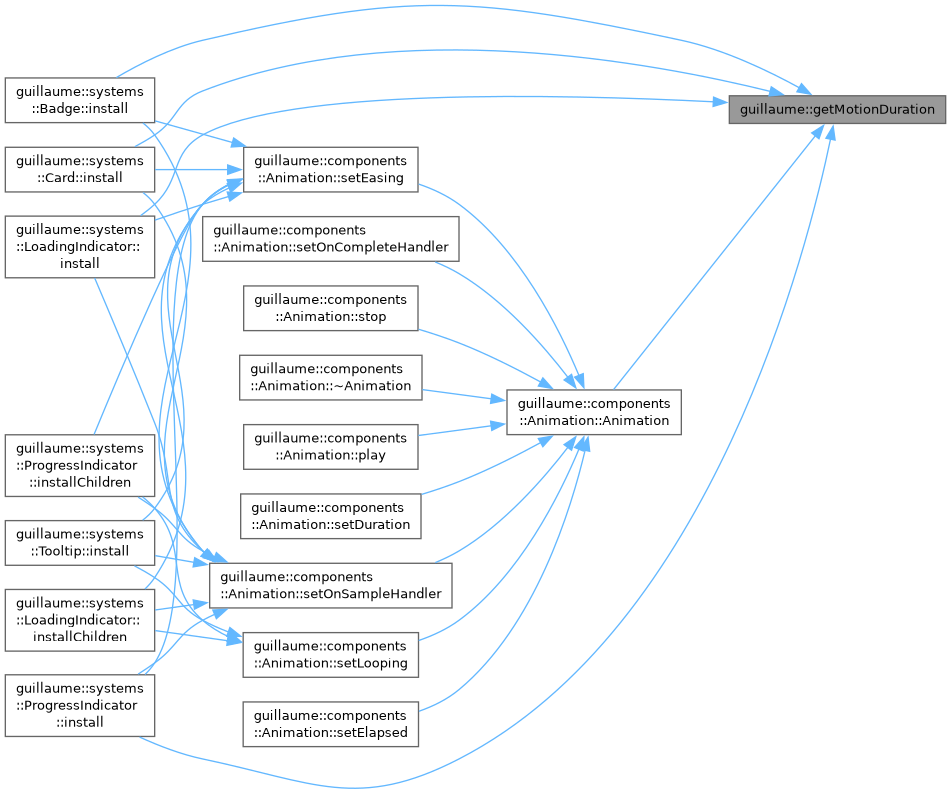
◆ getMotionDuration()
| float guillaume::getMotionDuration | ( | theme::MotionDuration | duration | ) |
Get the length the active theme gives to a duration token.
- Parameters
-
duration The duration token to resolve.
- Returns
- The duration, in seconds (Short4 is 0.2 in the default theme).
- Exceptions
-
std::out_of_range When duration is theme::MotionDuration::Count.
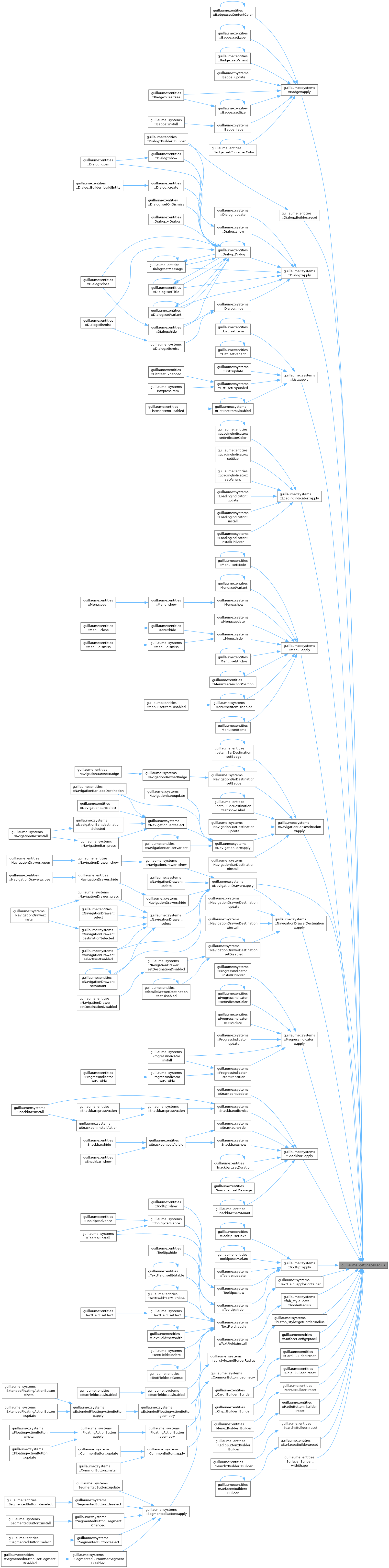
◆ getShapeRadius()
| float guillaume::getShapeRadius | ( | theme::ShapeRole | role | ) |
Get the corner radius the active theme gives to a shape role.
- Parameters
-
role The shape role to resolve.
- Returns
- The corner radius, in dp. theme::ShapeRole::Full returns theme::ShapeScale::FullRadius, a value large enough to be clamped to a pill or a circle by the renderers.
- Exceptions
-
std::out_of_range When role is theme::ShapeRole::Count.
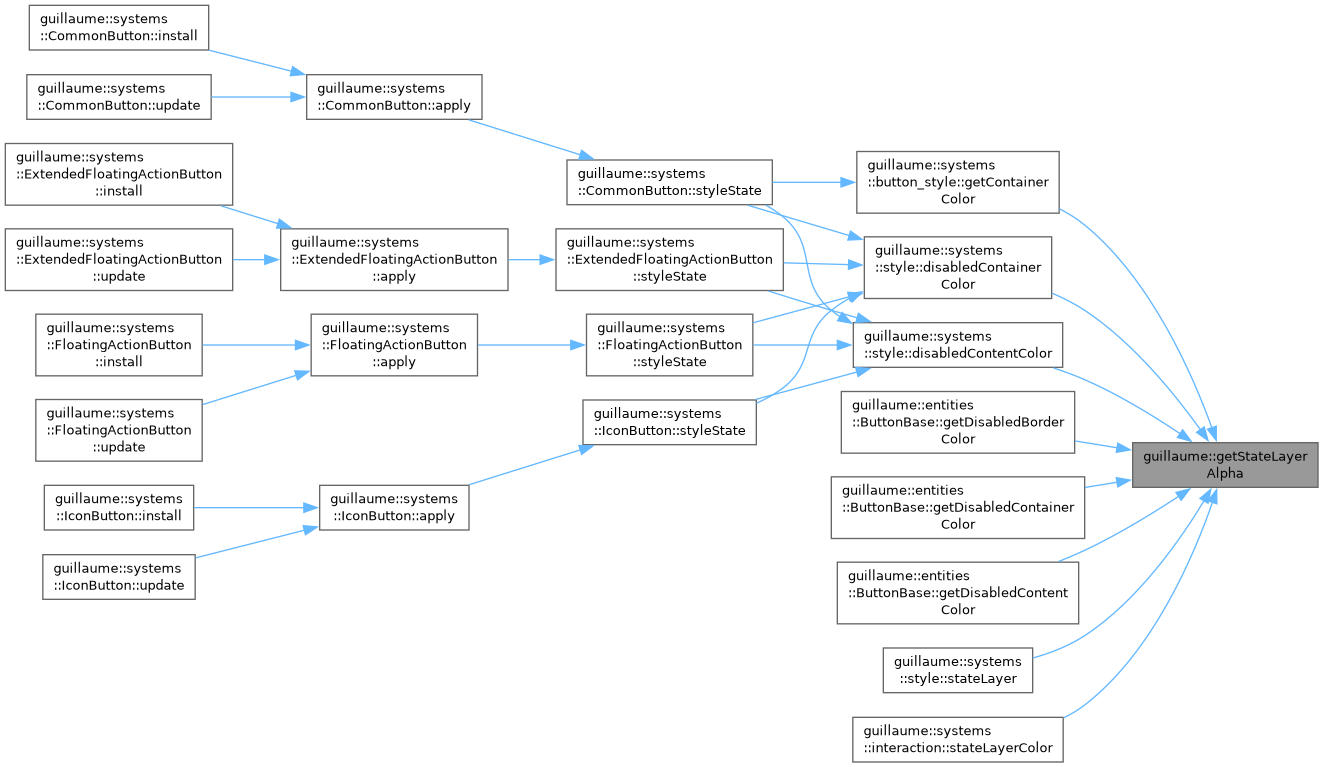
◆ getStateLayerAlpha()
| std::uint8_t guillaume::getStateLayerAlpha | ( | theme::StateLayer | layer | ) |
Get the opacity the active theme gives to a state layer, as an alpha channel value.
A state layer is the translucent overlay drawn on a widget that is hovered, focused, pressed or dragged.
- Parameters
-
layer The state layer to resolve.
- Returns
- The alpha, 0 (transparent) to 255 (opaque).
- Exceptions
-
std::out_of_range When layer is theme::StateLayer::Count.
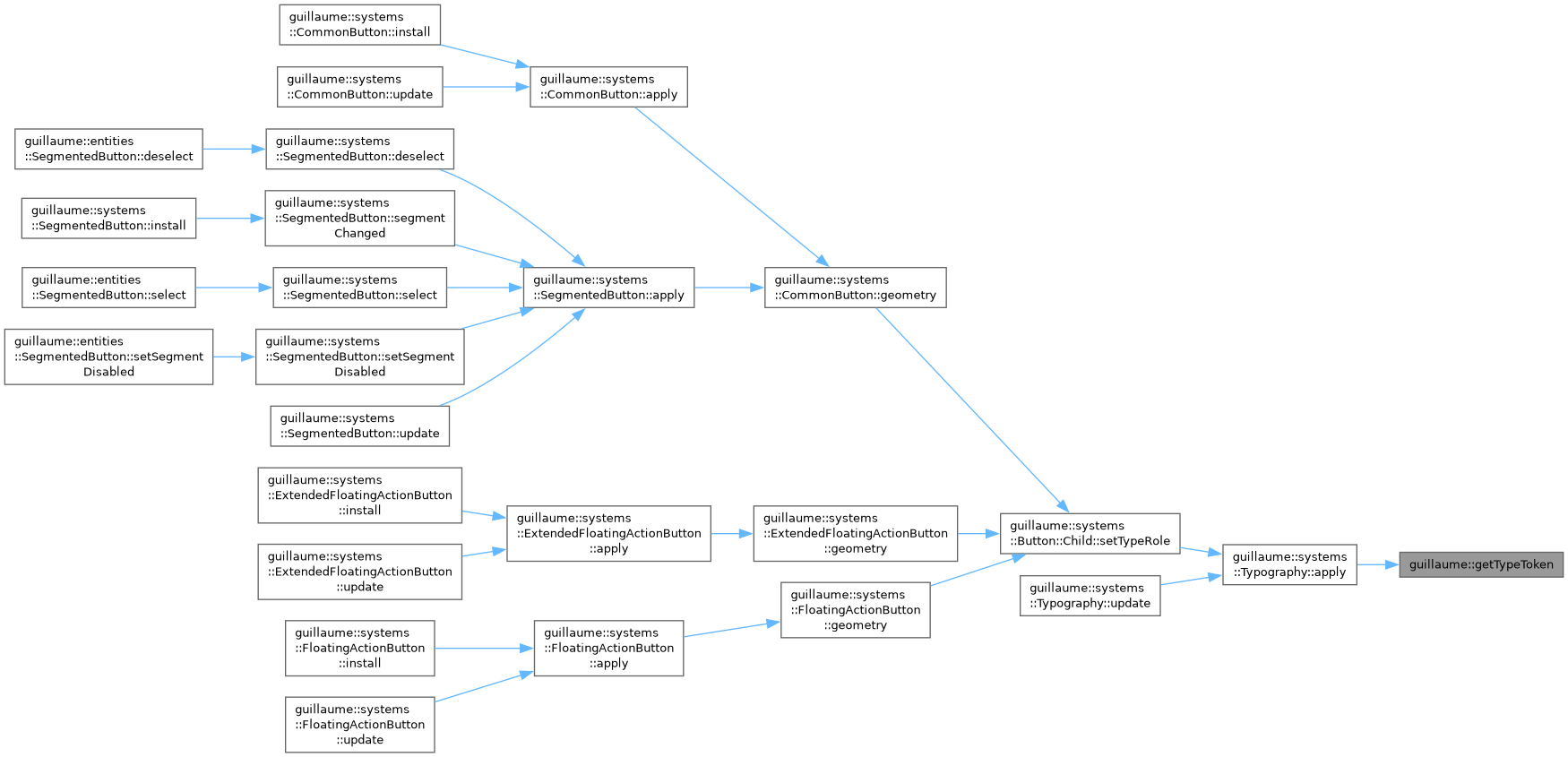
◆ getTypeToken()
| const theme::TypeToken & guillaume::getTypeToken | ( | theme::TypeRole | role | ) |
Get the text style the active theme gives to a role: font family, weight, size, line height and letter spacing.
- Parameters
-
role The typescale role to resolve.
- Returns
- The token of that role, read-only; sizes are in dp.
- Exceptions
-
std::out_of_range When role is theme::TypeRole::Count.
◆ initializeDefaultTheme()
| Theme guillaume::initializeDefaultTheme | ( | void | ) |
Build the default Material Design 3 theme.
Initialize the defaultTheme with Material Design 3 colors and schemes from material-theme.json.
Fills the six color schemes (light and dark, each with medium and high contrast variants) and the five tonal palettes with the Material 3 baseline colors, and derives the SurfaceDisabled, OnSurfaceDisabled and Backdrop roles of each scheme. The type scale, shapes, elevations, state layers and motion keep the baseline values a Theme is constructed with.
Application code does not need to call it: defaultTheme and the initial active theme are both built with it. Call it to get a fresh, modifiable copy of the default theme.
- Returns
- A new theme named "Material Design 3 Theme".
- See also
- getActiveTheme
Definition at line 1194 of file default_theme.cpp.
◆ setActiveScheme()
| void guillaume::setActiveScheme | ( | ThemeSchemeRole | role | ) |
Choose which of the six schemes of the active theme is in use, for instance to switch between light and dark.
The choice is program-wide, starts as Light, and is kept when the active theme is replaced. As with setActiveTheme(), widgets that already exist keep their colors until they are restyled.
- Parameters
-
role The scheme to use. Must not be ThemeSchemeCount.
◆ setActiveTheme()
| void guillaume::setActiveTheme | ( | const Theme & | theme | ) |
Replace the active theme by a copy of another theme.
This is how tokens are overridden: copy getActiveTheme(), modify the copy, pass it here (see the example in Theme).
Call it before building a scene: widgets resolve their tokens when they are built or restyled, so a widget that already exists keeps the values it resolved until it is next restyled. Nothing is marked changed by this call.
- Parameters
-
theme The theme to copy and activate. Later changes to theme have no effect on the active one.
Variable Documentation
◆ areDistinct
|
inlineconstexpr |
◆ areDistinct< First, Rest... >
|
inlineconstexpr |
Recursive case: the first type differs from every other one and the remaining types are distinct.
- Template Parameters
-
First The type compared with the rest of the pack. Rest The remaining types.
◆ defaultTheme
|
extern |
The theme of the library: Material Design 3 baseline colors (six schemes, five palettes) and scales.
It is a constant. The active theme starts with the same content; copy either one to make a custom theme.
- See also
- initializeDefaultTheme
