How a container arranges its children: in a row or a column, with which alignment, spacing and padding, and at which size. More...
#include <headers/guillaume/components/layout.hpp>
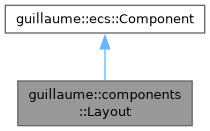
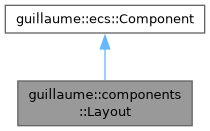
Public Types | |
| enum class | Axis { Horizontal , Vertical } |
| Direction along which children are arranged. More... | |
| enum class | MainAxisAlignment { Start , Center , End , SpaceBetween } |
| Where the children go along the main axis when the container is larger than them. More... | |
| enum class | CrossAxisAlignment { Start , Center , End } |
| Where each child goes along the cross axis, inside the padding. In a container that wraps its children, the reference is the largest child. More... | |
Public Member Functions | |
| Layout (void)=default | |
| Default constructor for the Layout component. | |
| ~Layout (void)=default | |
| Default destructor for the Layout component. | |
| Axis | getAxis (void) const |
| Get the main axis. | |
| Layout & | setAxis (Axis axis) |
| Choose between a row and a column. | |
| MainAxisAlignment | getMainAxisAlignment (void) const |
| Get the alignment along the main axis. | |
| Layout & | setMainAxisAlignment (MainAxisAlignment alignment) |
| Set where the children go along the main axis. | |
| CrossAxisAlignment | getCrossAxisAlignment (void) const |
| Get the alignment along the cross axis. | |
| Layout & | setCrossAxisAlignment (CrossAxisAlignment alignment) |
| Set where each child goes along the cross axis. | |
| float | getSpacing (void) const |
| Get the gap between two consecutive children. | |
| Layout & | setSpacing (float spacing) |
| Set the gap between two consecutive children. | |
| float | getPadding (void) const |
| Get the inset between the container's edges and its children. | |
| Layout & | setPadding (float padding) |
| Set the inset between the container's edges and its children. | |
| bool | hasFixedWidth (void) const |
| Check whether the container width is forced. | |
| float | getFixedWidth (void) const |
| Get the forced container width. | |
| Layout & | setFixedWidth (float width) |
| Force the container width instead of wrapping the children. | |
| Layout & | clearFixedWidth (void) |
| Let the width wrap the children again. | |
| bool | hasFixedHeight (void) const |
| Check whether the container height is forced. | |
| float | getFixedHeight (void) const |
| Get the forced container height. | |
| Layout & | setFixedHeight (float height) |
| Force the container height instead of wrapping the children. | |
| Layout & | clearFixedHeight (void) |
| Let the height wrap the children again. | |
| const std::vector< ecs::Entity::Identifier > & | getChildren (void) const |
| Get the children systems::Layout arranges, in order. | |
| Layout & | setChildren (const std::vector< ecs::Entity::Identifier > &children) |
| Replace the list of children to arrange. | |
| Layout & | addChild (ecs::Entity::Identifier child) |
| Add a child at the end of the list. | |
| Layout & | clearChildren (void) |
| Empty the list of children; the entities themselves are left untouched. | |
| Public Member Functions inherited from guillaume::ecs::Component | |
| bool | hasChanged (void) const |
| Tell whether a value of the component changed since the flags were last reset (the end of the previous frame). | |
| void | setHasChanged (bool hasChanged) |
| Raise or lower the changed flag. | |
| Component (void)=default | |
| Create a component that is not marked as changed. | |
| virtual | ~Component (void)=default |
| Virtual destructor, so components can be destroyed through the base class. | |
Detailed Description
How a container arranges its children: in a row or a column, with which alignment, spacing and padding, and at which size.
The container's widget class (entities::View and the widgets built on it) or the application writes it. systems::Layout reads it every frame in the Layout phase and then:
- reads the components::Bound of each child of getChildren();
- writes the position of each child's components::Transform, next to one another along the axis and pushed towards the viewer so the children are drawn in front of the container;
- writes the container's own components::Bound: the fixed size when one is set, otherwise the size of the children plus the padding.
- Note
- The main axis is the one of setAxis(); the cross axis is the other one. For a row, main is X and cross is Y.
- The size of a child is never changed: a layout only moves its children. A child without a Transform or a Bound, or equal to ecs::Entity::InvalidIdentifier, is skipped.
- The list of children is separate from the entity tree (components::Hierarchy): only the listed children are arranged, in the order of the list.
Definition at line 68 of file layout.hpp.
Member Enumeration Documentation
◆ Axis
|
strong |
Direction along which children are arranged.
| Enumerator | |
|---|---|
| Horizontal | Row: children placed left to right. |
| Vertical | Column: children placed top to bottom. |
Definition at line 74 of file layout.hpp.
◆ CrossAxisAlignment
|
strong |
Where each child goes along the cross axis, inside the padding. In a container that wraps its children, the reference is the largest child.
| Enumerator | |
|---|---|
| Start | At the top (row) or left (column). |
| Center | In the middle. |
| End | At the bottom (row) or right (column). |
Definition at line 99 of file layout.hpp.
◆ MainAxisAlignment
|
strong |
Where the children go along the main axis when the container is larger than them.
It only shows with a fixed size on the main axis: a container that wraps its children has no room left to distribute.
Definition at line 86 of file layout.hpp.
Member Function Documentation
◆ addChild()
| Layout & guillaume::components::Layout::addChild | ( | ecs::Entity::Identifier | child | ) |
Add a child at the end of the list.
Always marks the component changed. The identifier is not checked: adding the same child twice lists it twice.
- Parameters
-
child The identifier of the child to arrange last.
- Returns
- This component, for chaining.
Definition at line 182 of file layout.cpp.

◆ clearChildren()
| Layout & guillaume::components::Layout::clearChildren | ( | void | ) |
Empty the list of children; the entities themselves are left untouched.
Marks the component changed only when the list was not empty.
- Returns
- This component, for chaining.
Definition at line 189 of file layout.cpp.

◆ clearFixedHeight()
| Layout & guillaume::components::Layout::clearFixedHeight | ( | void | ) |
Let the height wrap the children again.
Marks the component changed only when a height was forced.
- Returns
- This component, for chaining.
Definition at line 155 of file layout.cpp.

◆ clearFixedWidth()
| Layout & guillaume::components::Layout::clearFixedWidth | ( | void | ) |
Let the width wrap the children again.
Marks the component changed only when a width was forced.
- Returns
- This component, for chaining.
Definition at line 123 of file layout.cpp.

◆ getAxis()
| Layout::Axis guillaume::components::Layout::getAxis | ( | void | ) | const |
Get the main axis.
- Returns
- Horizontal for a row (the default), Vertical for a column.
Definition at line 27 of file layout.cpp.
◆ getChildren()
| const std::vector< ecs::Entity::Identifier > & guillaume::components::Layout::getChildren | ( | void | ) | const |
Get the children systems::Layout arranges, in order.
Children the container's own system places (a switch thumb, a slider fill, ...) are left out of this list on purpose and keep the pose that system gives them.
- Returns
- The child identifiers; empty when nothing is arranged.
Definition at line 166 of file layout.cpp.
◆ getCrossAxisAlignment()
| Layout::CrossAxisAlignment guillaume::components::Layout::getCrossAxisAlignment | ( | void | ) | const |
Get the alignment along the cross axis.
- Returns
- The alignment (Center by default).
Definition at line 57 of file layout.cpp.
◆ getFixedHeight()
| float guillaume::components::Layout::getFixedHeight | ( | void | ) | const |
Get the forced container height.
- Returns
- The height, in dp, padding included; 0 when hasFixedHeight() is false.
Definition at line 139 of file layout.cpp.
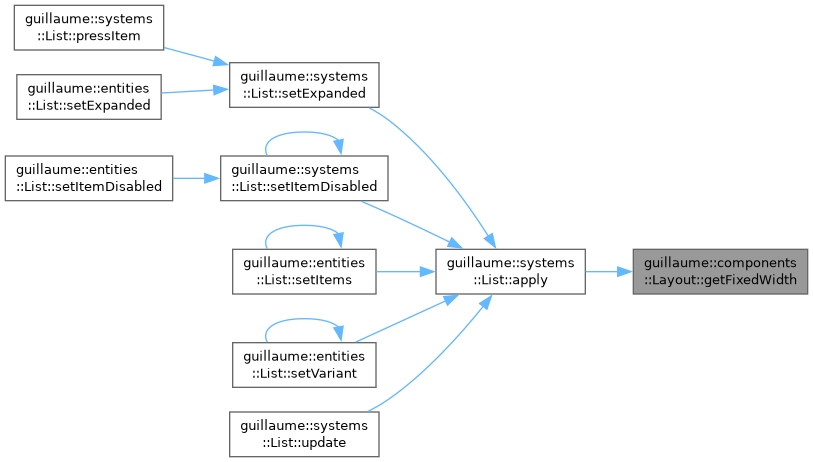
◆ getFixedWidth()
| float guillaume::components::Layout::getFixedWidth | ( | void | ) | const |
Get the forced container width.
- Returns
- The width, in dp, padding included; 0 when hasFixedWidth() is false.
Definition at line 107 of file layout.cpp.
◆ getMainAxisAlignment()
| Layout::MainAxisAlignment guillaume::components::Layout::getMainAxisAlignment | ( | void | ) | const |
Get the alignment along the main axis.
- Returns
- The alignment (Start by default).
Definition at line 42 of file layout.cpp.
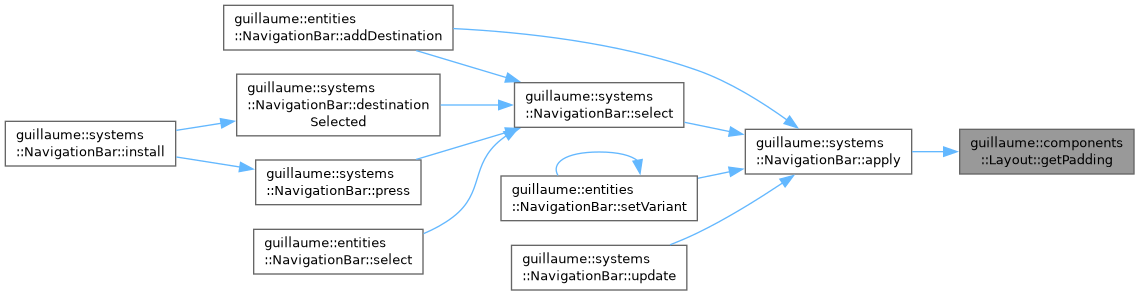
◆ getPadding()
| float guillaume::components::Layout::getPadding | ( | void | ) | const |
Get the inset between the container's edges and its children.
- Returns
- The padding, in dp, the same on the four sides (0 by default).
Definition at line 87 of file layout.cpp.
◆ getSpacing()
| float guillaume::components::Layout::getSpacing | ( | void | ) | const |
Get the gap between two consecutive children.
- Returns
- The spacing, in dp (0 by default).
Definition at line 72 of file layout.cpp.
◆ hasFixedHeight()
| bool guillaume::components::Layout::hasFixedHeight | ( | void | ) | const |
Check whether the container height is forced.
- Returns
- True after setFixedHeight(); false when the height wraps the children (the default).
Definition at line 134 of file layout.cpp.
◆ hasFixedWidth()
| bool guillaume::components::Layout::hasFixedWidth | ( | void | ) | const |
Check whether the container width is forced.
- Returns
- True after setFixedWidth(); false when the width wraps the children (the default).
Definition at line 102 of file layout.cpp.

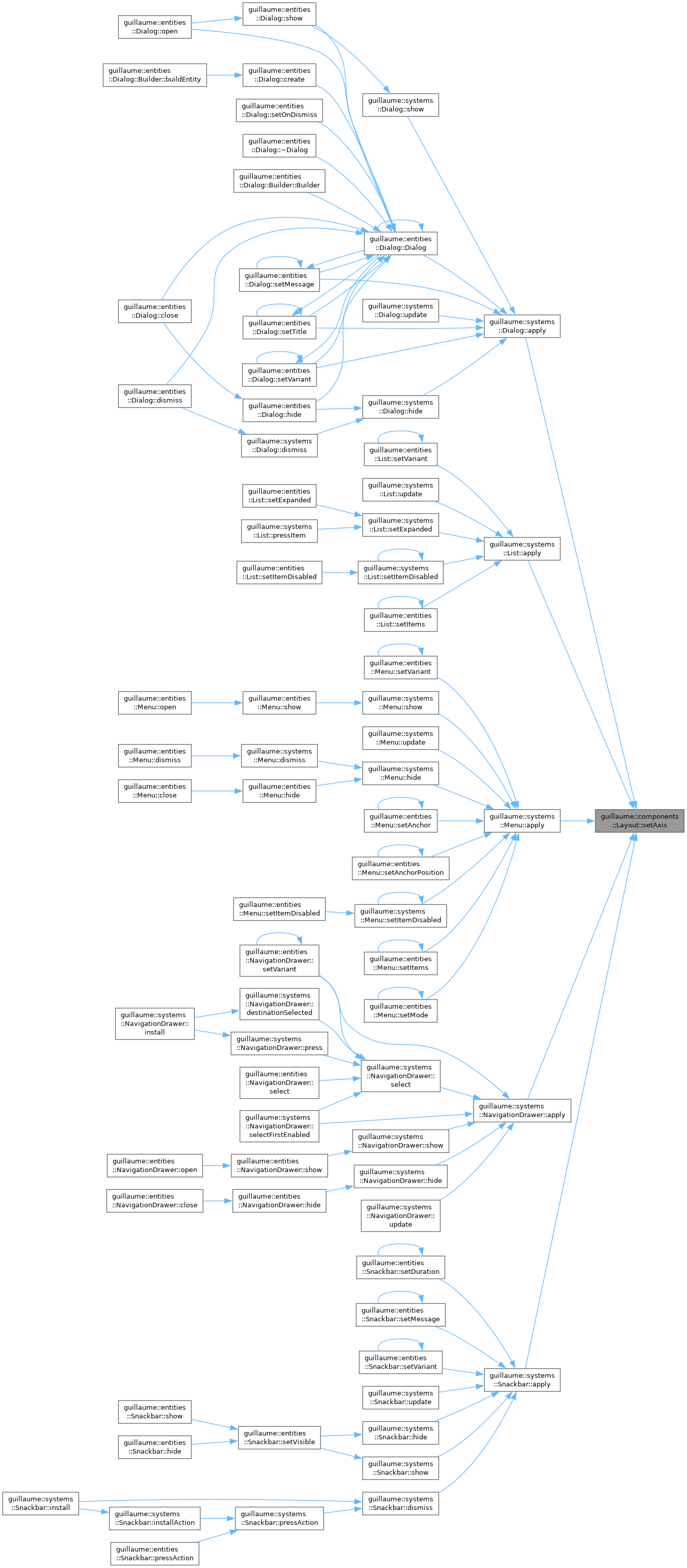
◆ setAxis()
Choose between a row and a column.
Marks the component changed only when the value differs.
- Parameters
-
axis Horizontal for a row, Vertical for a column.
- Returns
- This component, for chaining.
Definition at line 32 of file layout.cpp.

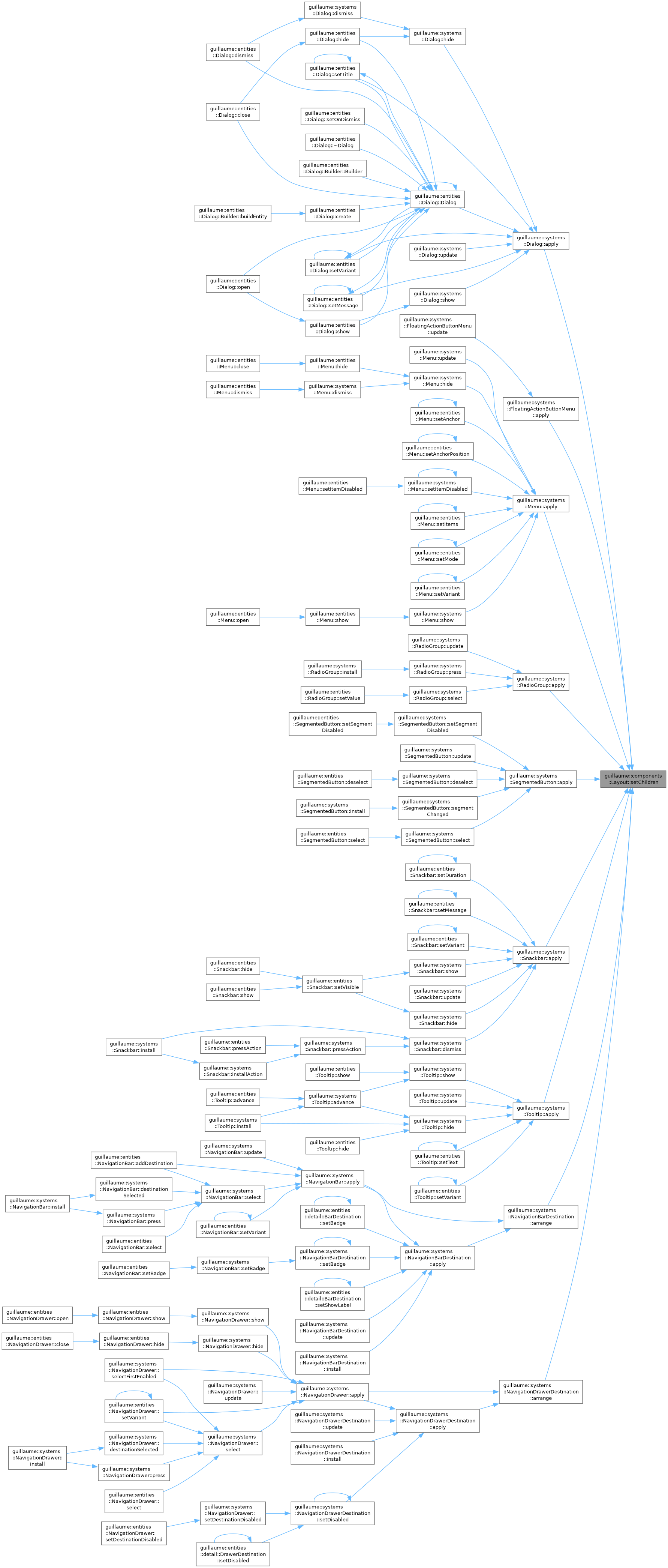
◆ setChildren()
| Layout & guillaume::components::Layout::setChildren | ( | const std::vector< ecs::Entity::Identifier > & | children | ) |
Replace the list of children to arrange.
Marks the component changed only when the list differs.
- Parameters
-
children The child identifiers, first to last along the main axis.
- Returns
- This component, for chaining.
Definition at line 171 of file layout.cpp.

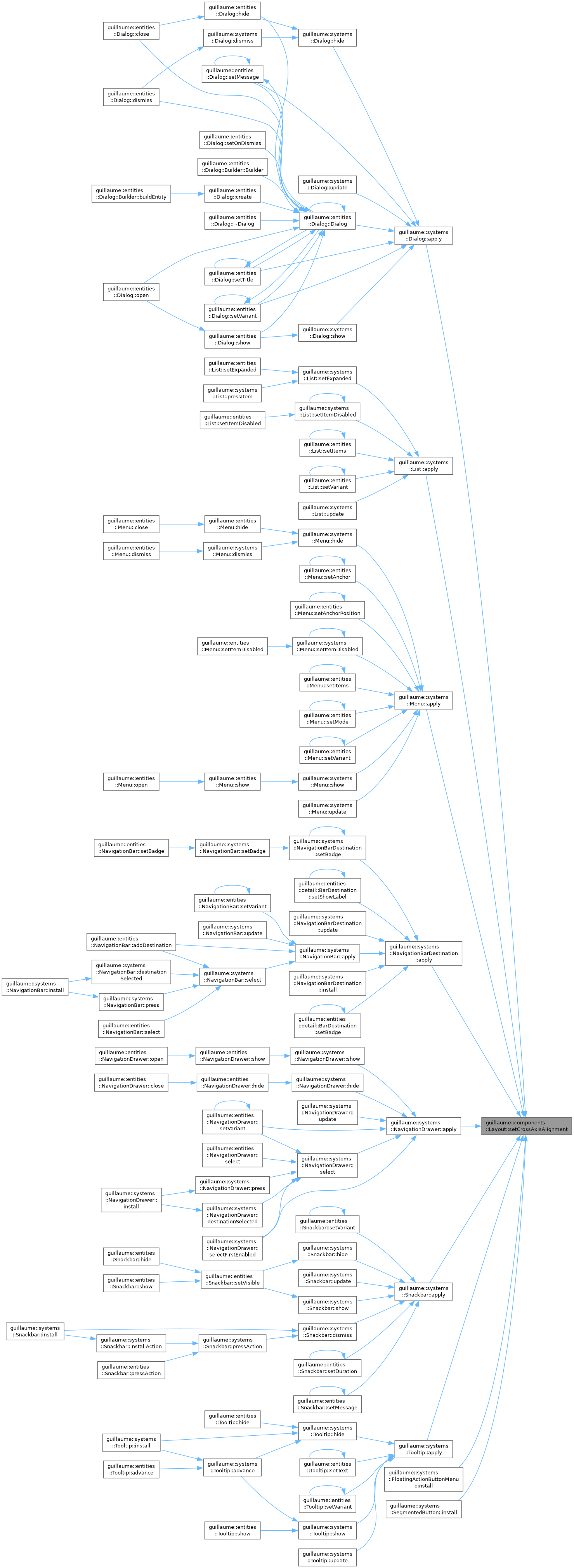
◆ setCrossAxisAlignment()
| Layout & guillaume::components::Layout::setCrossAxisAlignment | ( | CrossAxisAlignment | alignment | ) |
Set where each child goes along the cross axis.
Marks the component changed only when the value differs.
- Parameters
-
alignment The alignment of every child.
- Returns
- This component, for chaining.
Definition at line 62 of file layout.cpp.

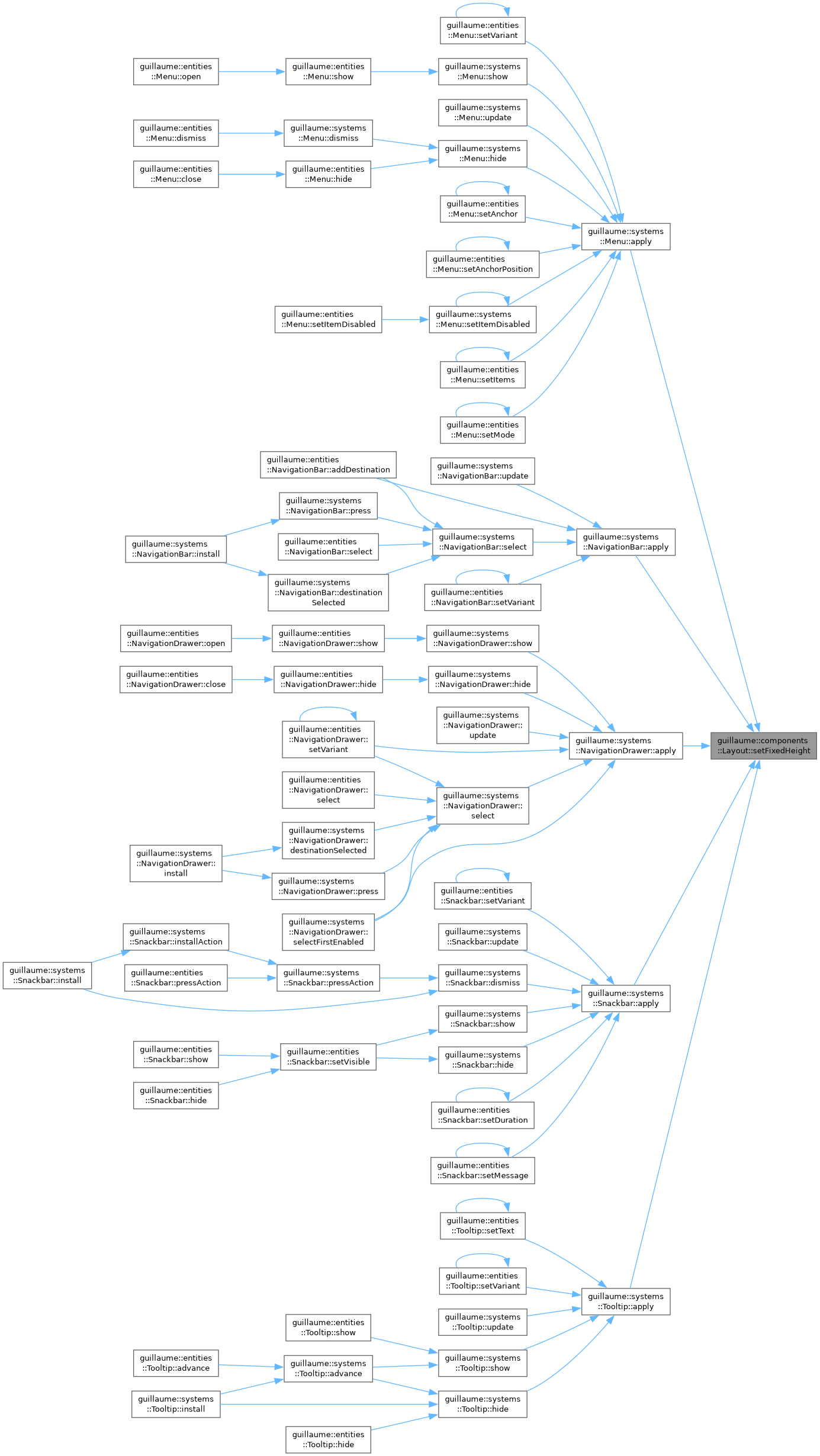
◆ setFixedHeight()
| Layout & guillaume::components::Layout::setFixedHeight | ( | float | height | ) |
Force the container height instead of wrapping the children.
systems::Layout then writes this height into the container's Bound, whatever the children need. Marks the component changed unless the same height was already forced.
- Parameters
-
height The height of the container, in dp, padding included.
- Returns
- This component, for chaining.
Definition at line 144 of file layout.cpp.

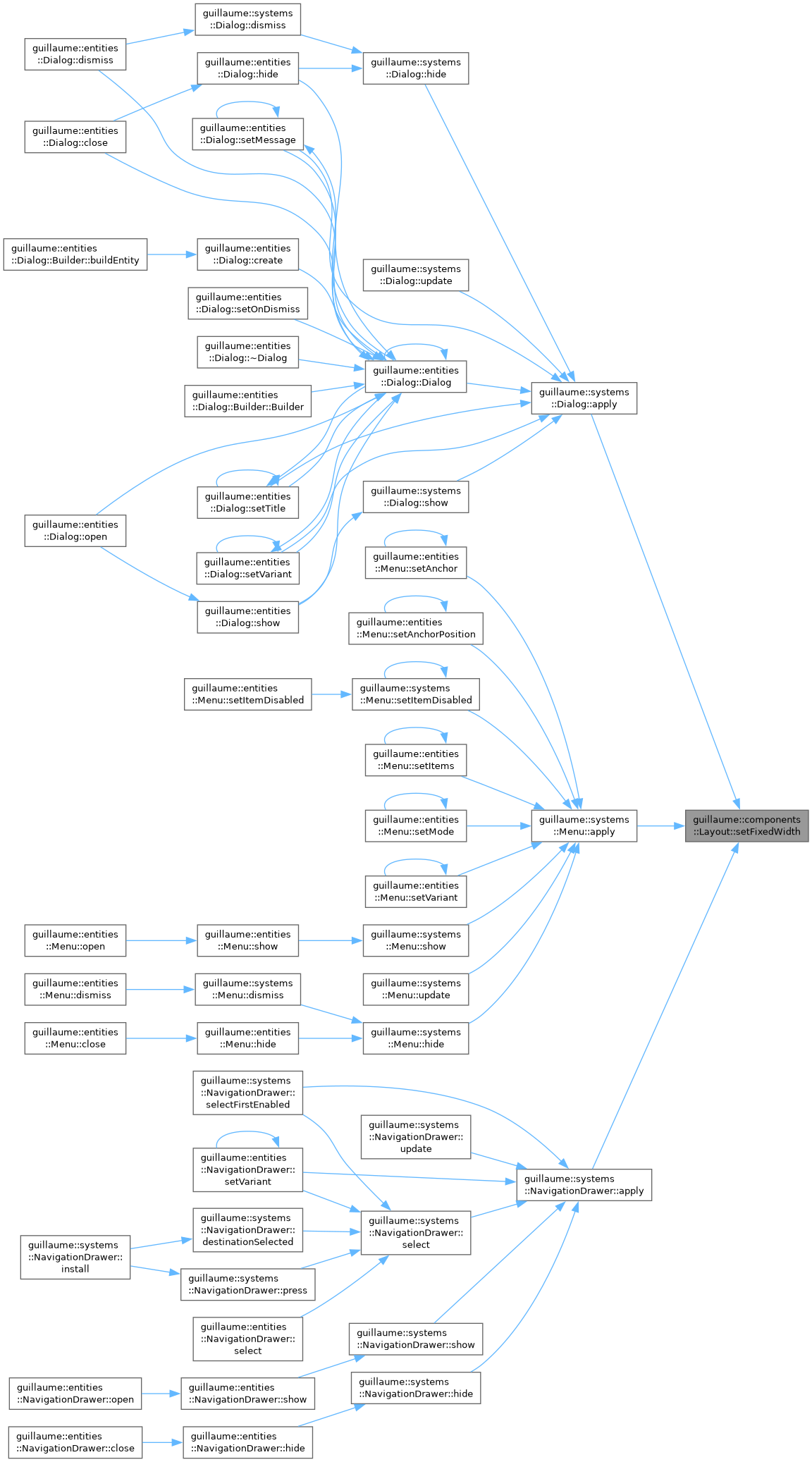
◆ setFixedWidth()
| Layout & guillaume::components::Layout::setFixedWidth | ( | float | width | ) |
Force the container width instead of wrapping the children.
systems::Layout then writes this width into the container's Bound, whatever the children need: children that do not fit overflow. Marks the component changed unless the same width was already forced.
- Parameters
-
width The width of the container, in dp, padding included.
- Returns
- This component, for chaining.
Definition at line 112 of file layout.cpp.

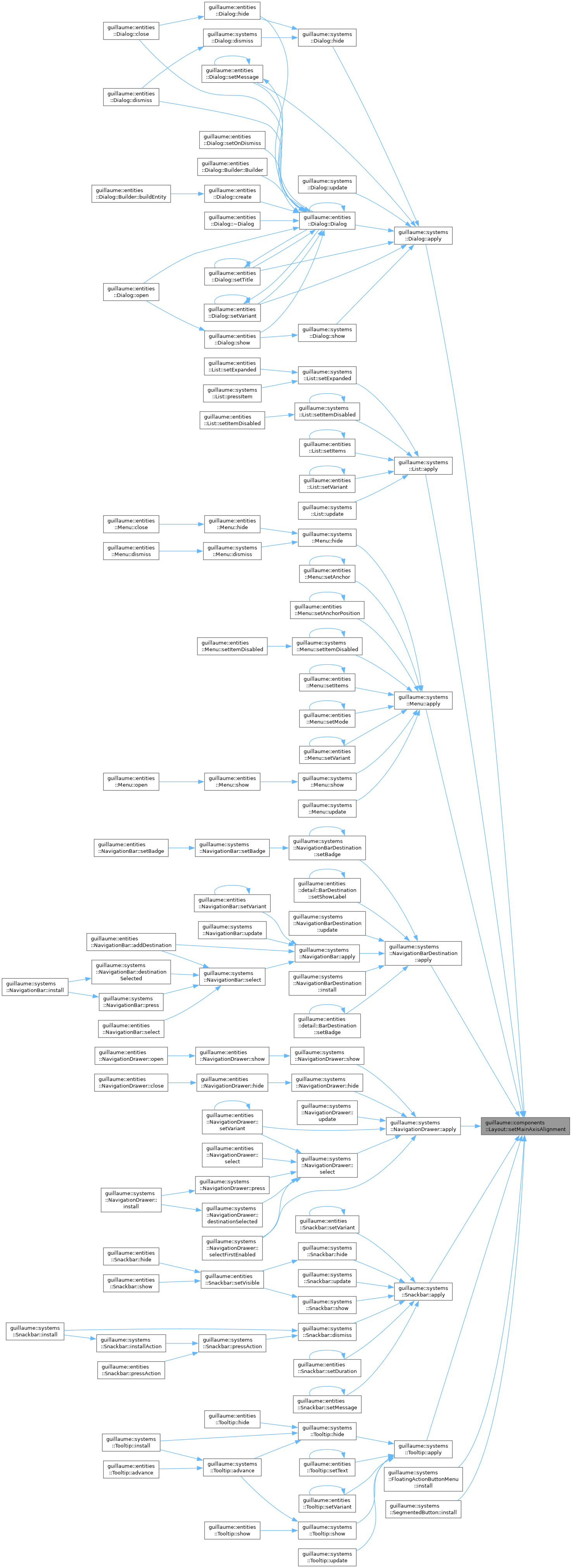
◆ setMainAxisAlignment()
| Layout & guillaume::components::Layout::setMainAxisAlignment | ( | MainAxisAlignment | alignment | ) |
Set where the children go along the main axis.
Marks the component changed only when the value differs.
- Parameters
-
alignment The alignment; see MainAxisAlignment for when it has a visible effect.
- Returns
- This component, for chaining.
Definition at line 47 of file layout.cpp.

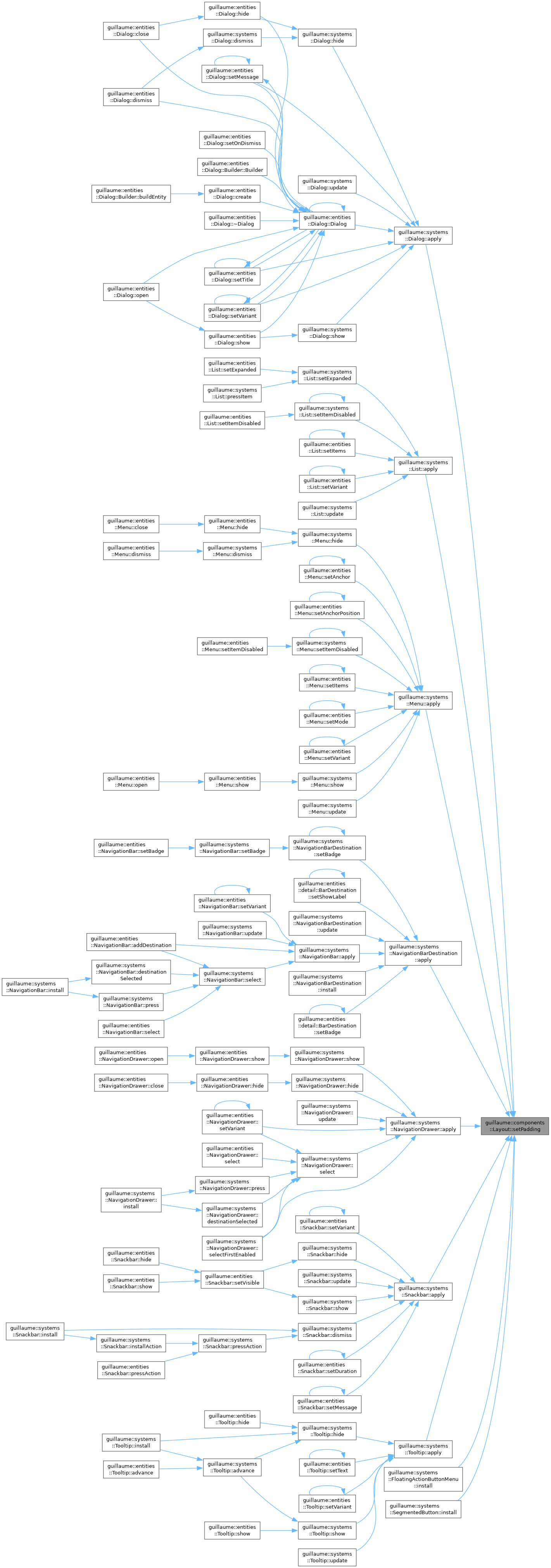
◆ setPadding()
| Layout & guillaume::components::Layout::setPadding | ( | float | padding | ) |
Set the inset between the container's edges and its children.
Marks the component changed only when the value differs.
- Parameters
-
padding The padding, in dp, applied to the four sides.
- Returns
- This component, for chaining.
Definition at line 92 of file layout.cpp.

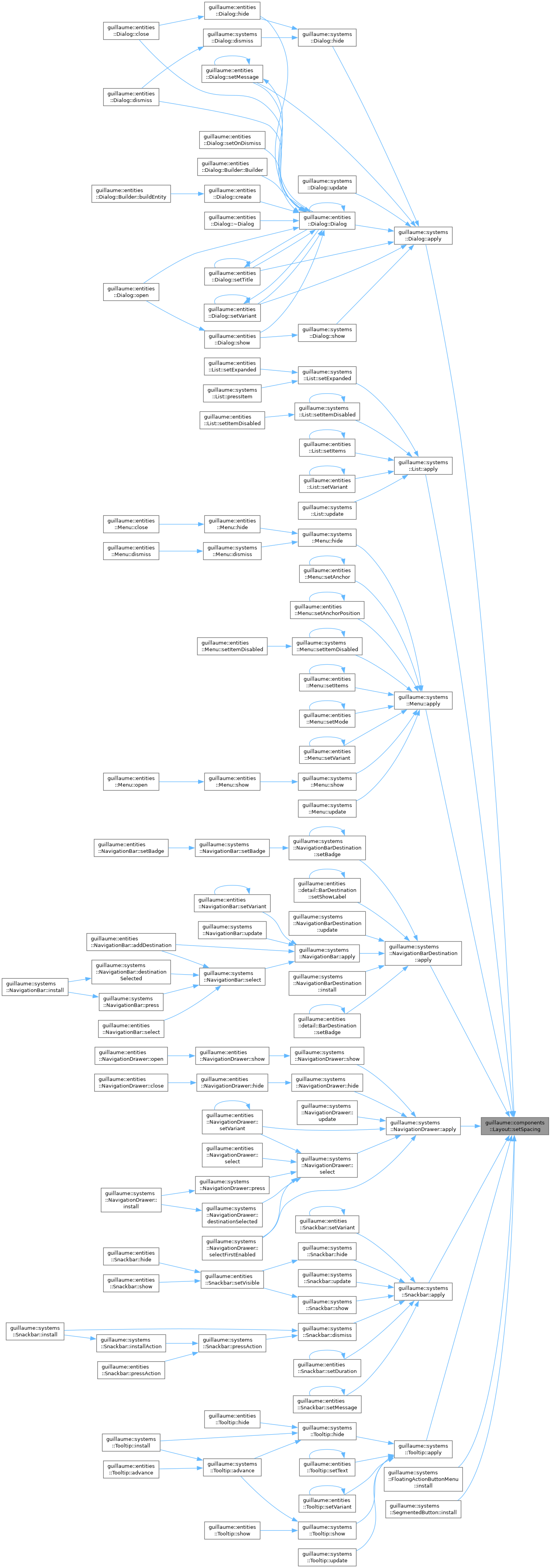
◆ setSpacing()
| Layout & guillaume::components::Layout::setSpacing | ( | float | spacing | ) |
Set the gap between two consecutive children.
Marks the component changed only when the value differs.
- Parameters
-
spacing The gap along the main axis, in dp. Ignored with MainAxisAlignment::SpaceBetween.
- Returns
- This component, for chaining.
Definition at line 77 of file layout.cpp.

The documentation for this class was generated from the following files:
- headers/guillaume/components/layout.hpp
- sources/components/layout.cpp
