Color helpers shared by the widget systems. More...
Functions | |
| utility::graphic::Color32Bit | withAlpha (const utility::graphic::Color32Bit &color, std::uint8_t alpha) |
| Copy a color with another alpha channel. | |
| utility::graphic::Color32Bit | stateLayer (const utility::graphic::Color32Bit &base, const utility::graphic::Color32Bit &overlay, std::uint8_t alpha) |
| Blend a translucent tint over a base color. | |
| utility::graphic::Color32Bit | schemeColor (SchemeColorRole role) |
| Look up a color role in the color scheme of the active theme. | |
| utility::graphic::Color32Bit | stateLayer (const utility::graphic::Color32Bit &base, const utility::graphic::Color32Bit &overlay, theme::StateLayer layer) |
| Blend a tint over a base color at the opacity the active theme gives to an interaction state. | |
| utility::graphic::Color32Bit | disabledContentColor (void) |
| Color of the icon, label or outline of a disabled widget. | |
| utility::graphic::Color32Bit | disabledContainerColor (void) |
| Fill color of the container of a disabled widget. | |
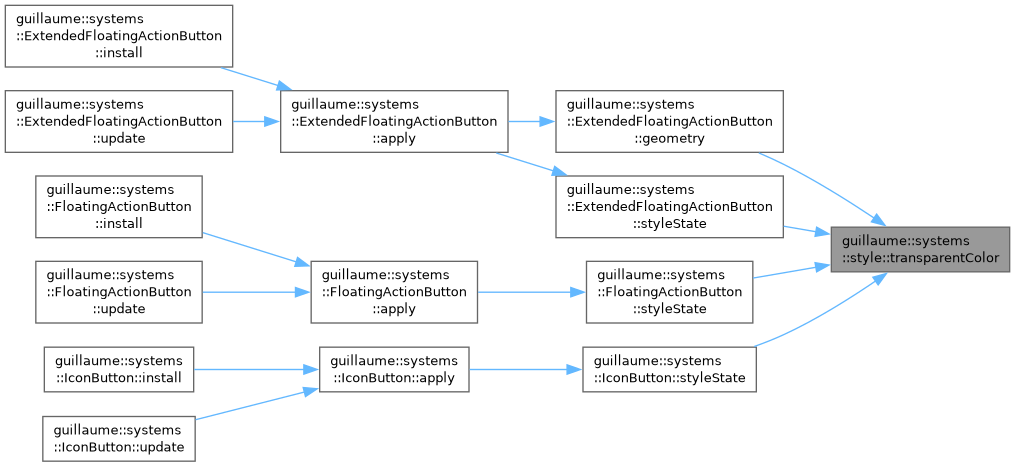
| utility::graphic::Color32Bit | transparentColor (void) |
| The color written to hide a fill or an outline without removing its component. | |
Detailed Description
Color helpers shared by the widget systems.
- See also
- guillaume::systems::interaction, guillaume::systems::placement
Function Documentation
◆ disabledContainerColor()
|
inline |
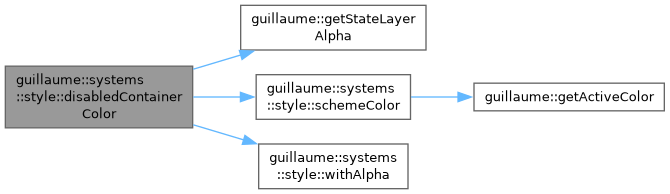
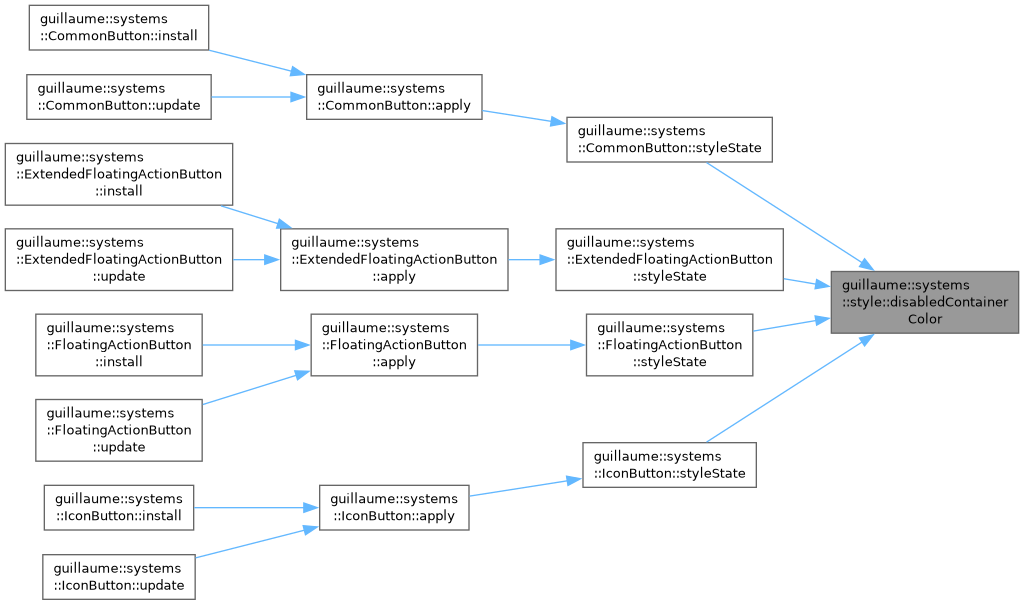
Fill color of the container of a disabled widget.
- Returns
- The OnSurface color of the active scheme at the theme::StateLayer::DisabledContainer opacity (12% in Material 3).
Definition at line 143 of file style_helpers.hpp.
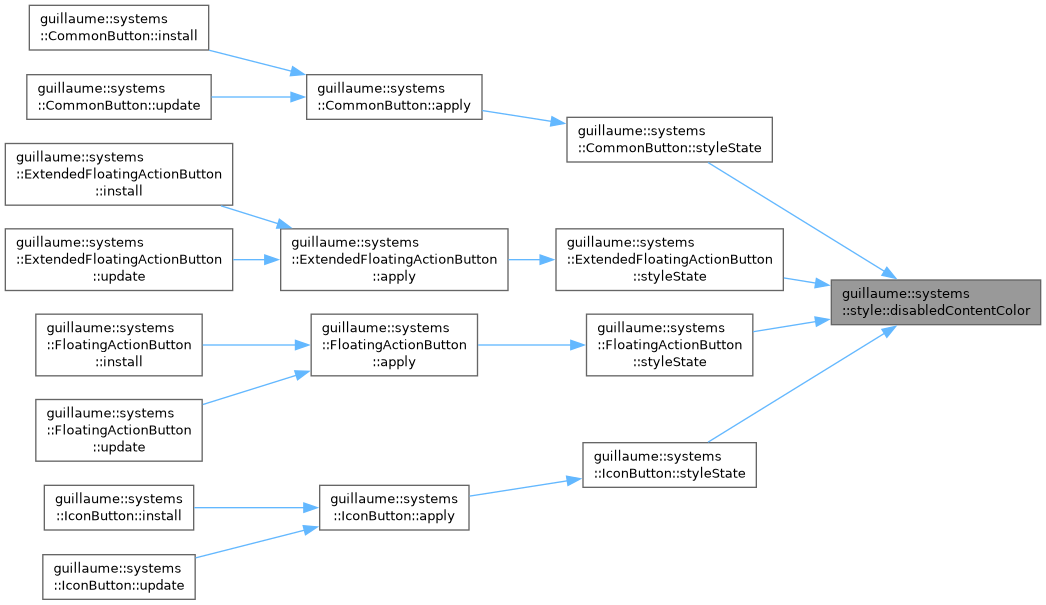
◆ disabledContentColor()
|
inline |
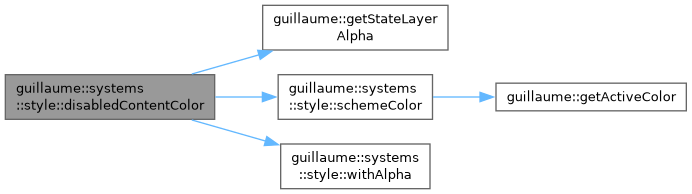
Color of the icon, label or outline of a disabled widget.
- Returns
- The OnSurface color of the active scheme at the theme::StateLayer::DisabledContent opacity (38% in Material 3).
Definition at line 131 of file style_helpers.hpp.
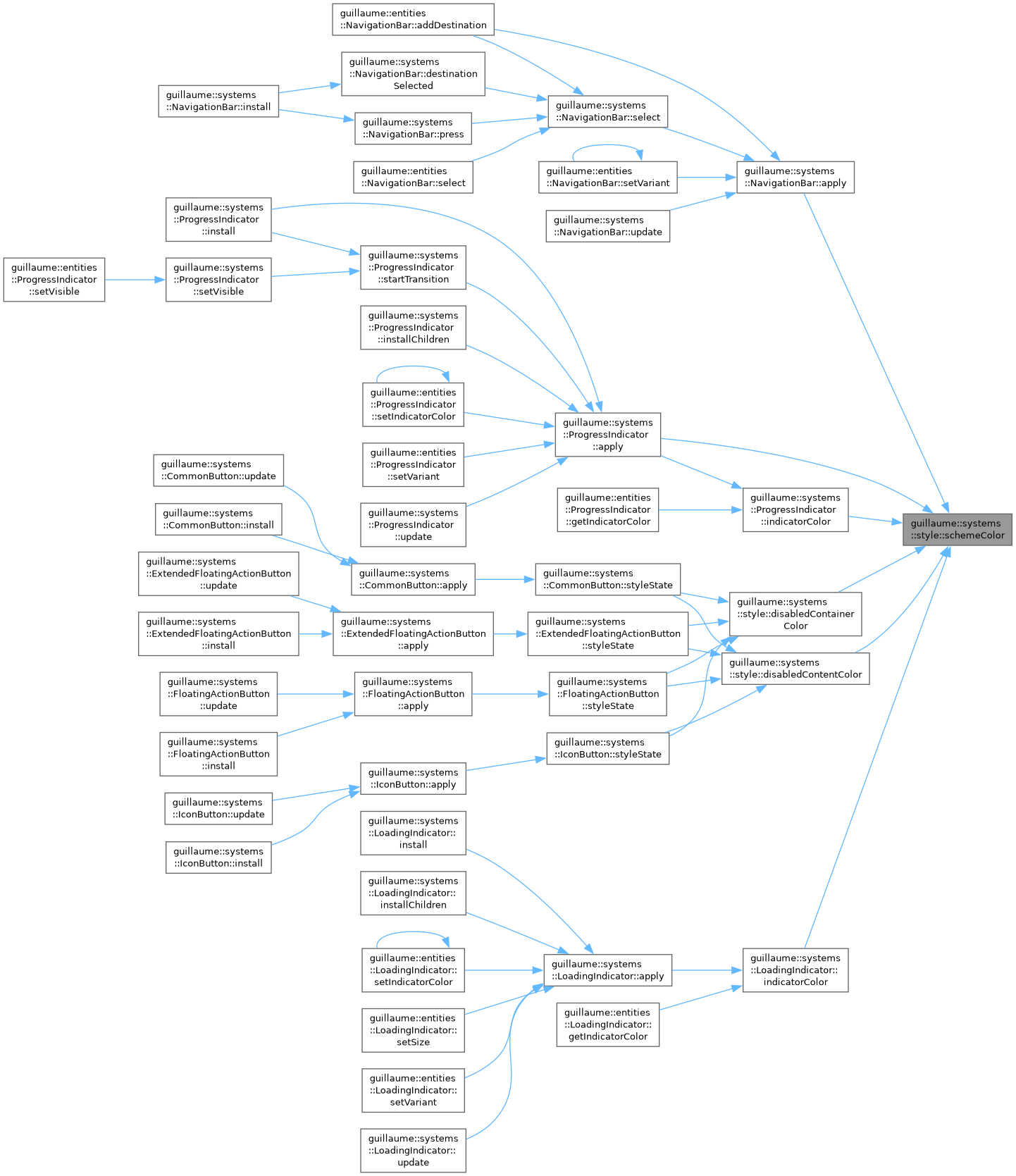
◆ schemeColor()
|
inline |
Look up a color role in the color scheme of the active theme.
- Parameters
-
role The role to resolve, for example SchemeColorRole::Primary.
- Returns
- The color the active theme assigns to that role.
- See also
- guillaume::getActiveColor
Definition at line 96 of file style_helpers.hpp.

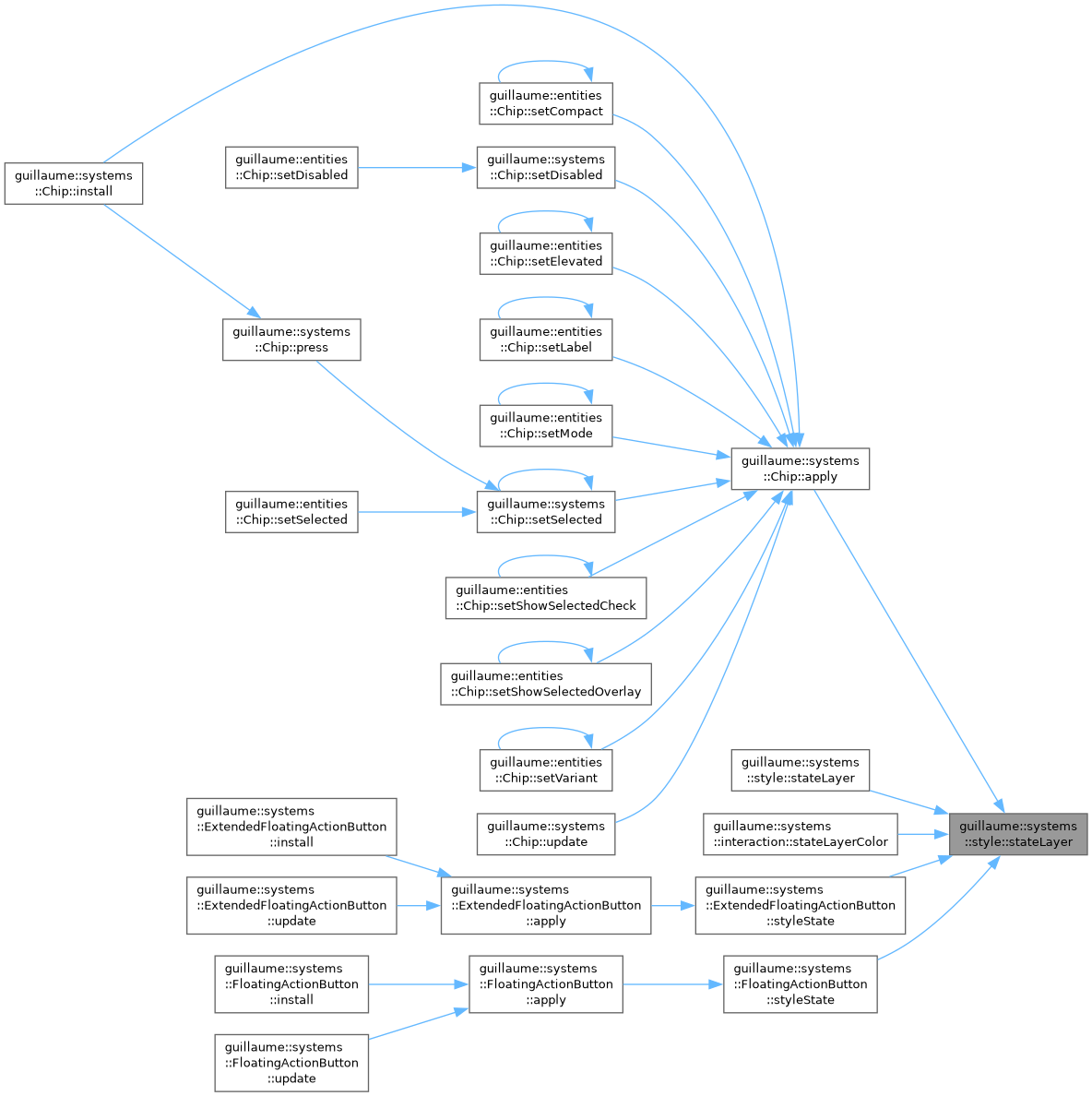
◆ stateLayer() [1/2]
|
inline |
Blend a translucent tint over a base color.
This is how a hover, focus or press is shown: the content color is laid over the container color at a low opacity.
- Parameters
-
base The color underneath, usually the container color. overlay The tint, usually the content color. Its own alpha is ignored and replaced by alpha. alpha The opacity of the tint, 0 (no tint) to 255 (opaque).
- Returns
- The blended color.
Definition at line 83 of file style_helpers.hpp.
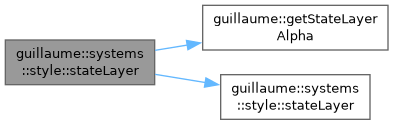
◆ stateLayer() [2/2]
|
inline |
Blend a tint over a base color at the opacity the active theme gives to an interaction state.
- Parameters
-
base The color underneath, usually the container color. overlay The tint, usually the content color. layer The interaction state (Hovered, Focused, Pressed, ...) whose opacity is read from the active theme.
- Returns
- The blended color.
Definition at line 119 of file style_helpers.hpp.
◆ transparentColor()
|
inline |
The color written to hide a fill or an outline without removing its component.
- Returns
- Black with an alpha of 0.
Definition at line 155 of file style_helpers.hpp.
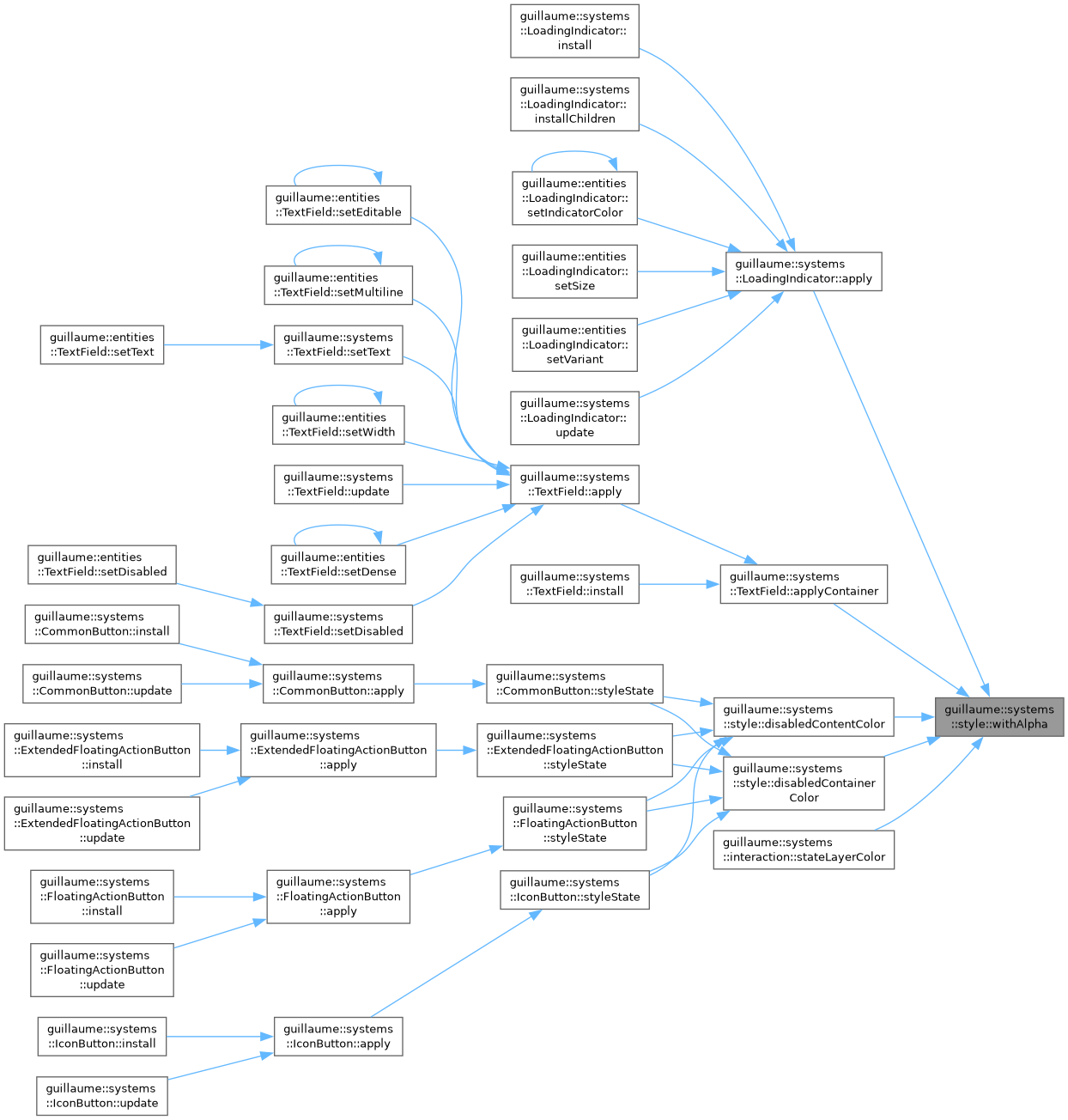
◆ withAlpha()
|
inline |
Copy a color with another alpha channel.
- Parameters
-
color The color whose red, green and blue channels are kept. alpha The alpha of the result, 0 (transparent) to 255 (opaque). It replaces the alpha of color; the two are not multiplied.
- Returns
- The same color with the given alpha.
Definition at line 65 of file style_helpers.hpp.