Short-lived handle on the icon or label child of a button, used by the variant systems to style it. More...
#include <headers/guillaume/systems/button.hpp>
Public Member Functions | |
| Child (ecs::ComponentRegistry ®istry, ecs::Entity::Identifier identifier) | |
| Create a handle on a child. | |
| operator bool (void) const | |
| Whether the child exists, so a caller can write if (icon) { ... } before measuring or placing it. | |
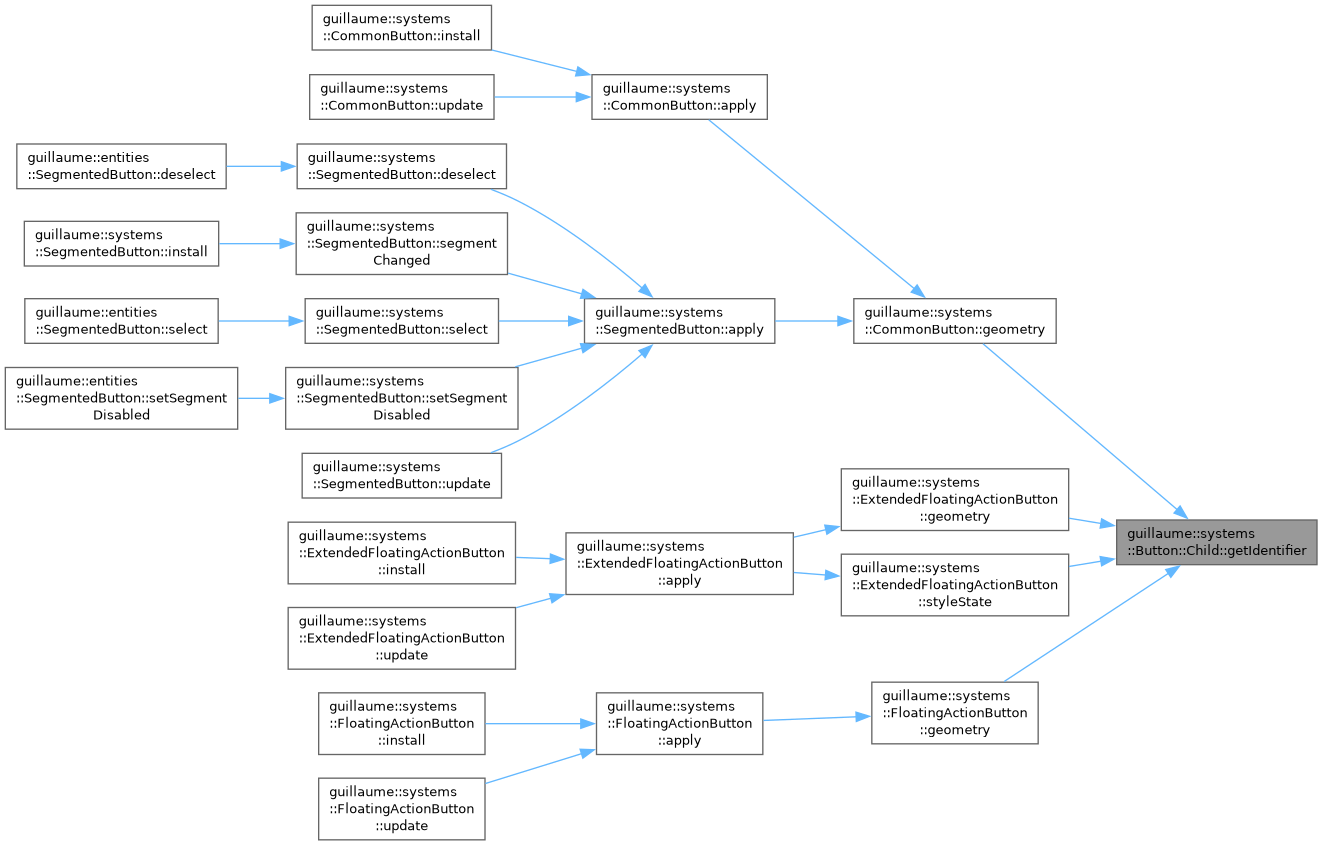
| ecs::Entity::Identifier | getIdentifier (void) const noexcept |
| Get the entity this handle points to. | |
| const Child & | setColor (const utility::graphic::Color32Bit &color) const |
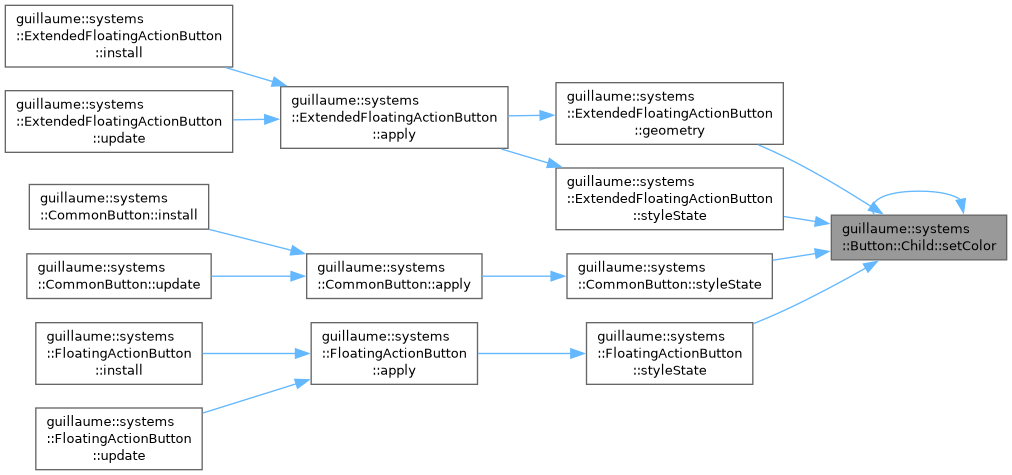
| Write the color of the child's components::Color. | |
| const Child & | setFontSize (float size) const |
| Write the font size of the child's components::Glyph. | |
| const Child & | setTypeRole (theme::TypeRole role) const |
| Give the label a role of the type scale and resolve it at once. | |
| const Child & | setContent (const std::string &content) const |
| Write the string of the child's components::Text. | |
Detailed Description
Short-lived handle on the icon or label child of a button, used by the variant systems to style it.
It holds a registry reference and an identifier, nothing else. Every setter writes one component of the child and does nothing when the child lacks that component, so a button without an icon or without a label needs no special case. Setters return the handle for chaining.
The handle keeps a reference to the registry: do not store it beyond the function that created it.
Definition at line 95 of file button.hpp.
Constructor & Destructor Documentation
◆ Child()
| guillaume::systems::Button::Child::Child | ( | ecs::ComponentRegistry & | registry, |
| ecs::Entity::Identifier | identifier ) |
Create a handle on a child.
- Parameters
-
registry The registry holding the components of the child. It must outlive the handle. identifier The child entity, as stored in components::Button. ecs::Entity::InvalidIdentifier is accepted and gives a handle whose setters do nothing.
Definition at line 42 of file button.cpp.
Member Function Documentation
◆ getIdentifier()
|
noexcept |
Get the entity this handle points to.
- Returns
- The child identifier, or ecs::Entity::InvalidIdentifier when the button has no such child.
Definition at line 55 of file button.cpp.
◆ operator bool()
|
explicit |
Whether the child exists, so a caller can write if (icon) { ... } before measuring or placing it.
- Returns
- True when the identifier is valid and the entity has a components::Transform in the registry.
Definition at line 49 of file button.cpp.
◆ setColor()
| const Button::Child & guillaume::systems::Button::Child::setColor | ( | const utility::graphic::Color32Bit & | color | ) | const |
Write the color of the child's components::Color.
- Parameters
-
color The icon or label color.
- Returns
- This handle, for chaining.
Definition at line 61 of file button.cpp.
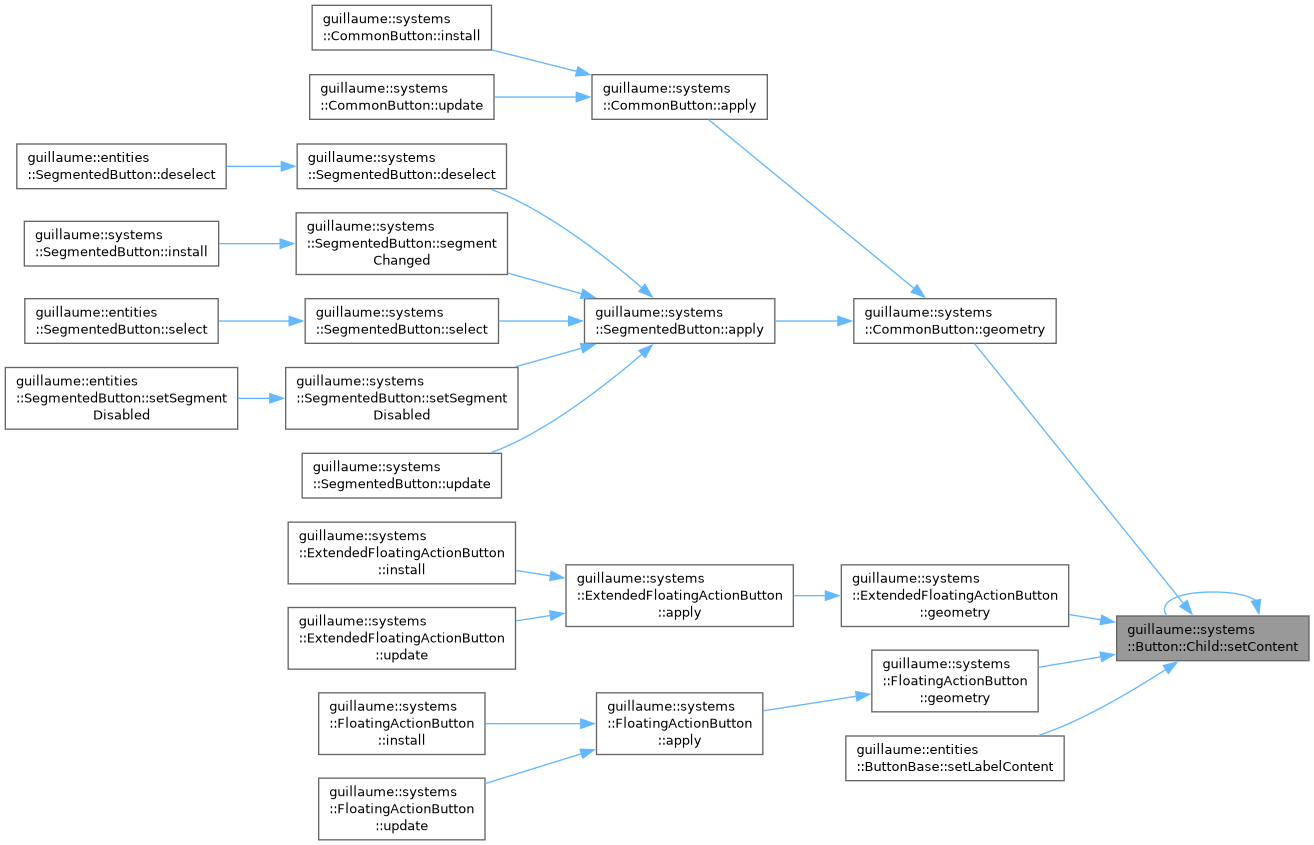
◆ setContent()
| const Button::Child & guillaume::systems::Button::Child::setContent | ( | const std::string & | content | ) | const |
Write the string of the child's components::Text.
- Parameters
-
content The label to show.
- Returns
- This handle, for chaining.
Definition at line 92 of file button.cpp.
◆ setFontSize()
| const Button::Child & guillaume::systems::Button::Child::setFontSize | ( | float | size | ) | const |
Write the font size of the child's components::Glyph.
Meant for the icon child; a label has no Glyph and is left untouched (use setTypeRole for it).
- Parameters
-
size The icon font size, in dp.
- Returns
- This handle, for chaining.
Definition at line 70 of file button.cpp.
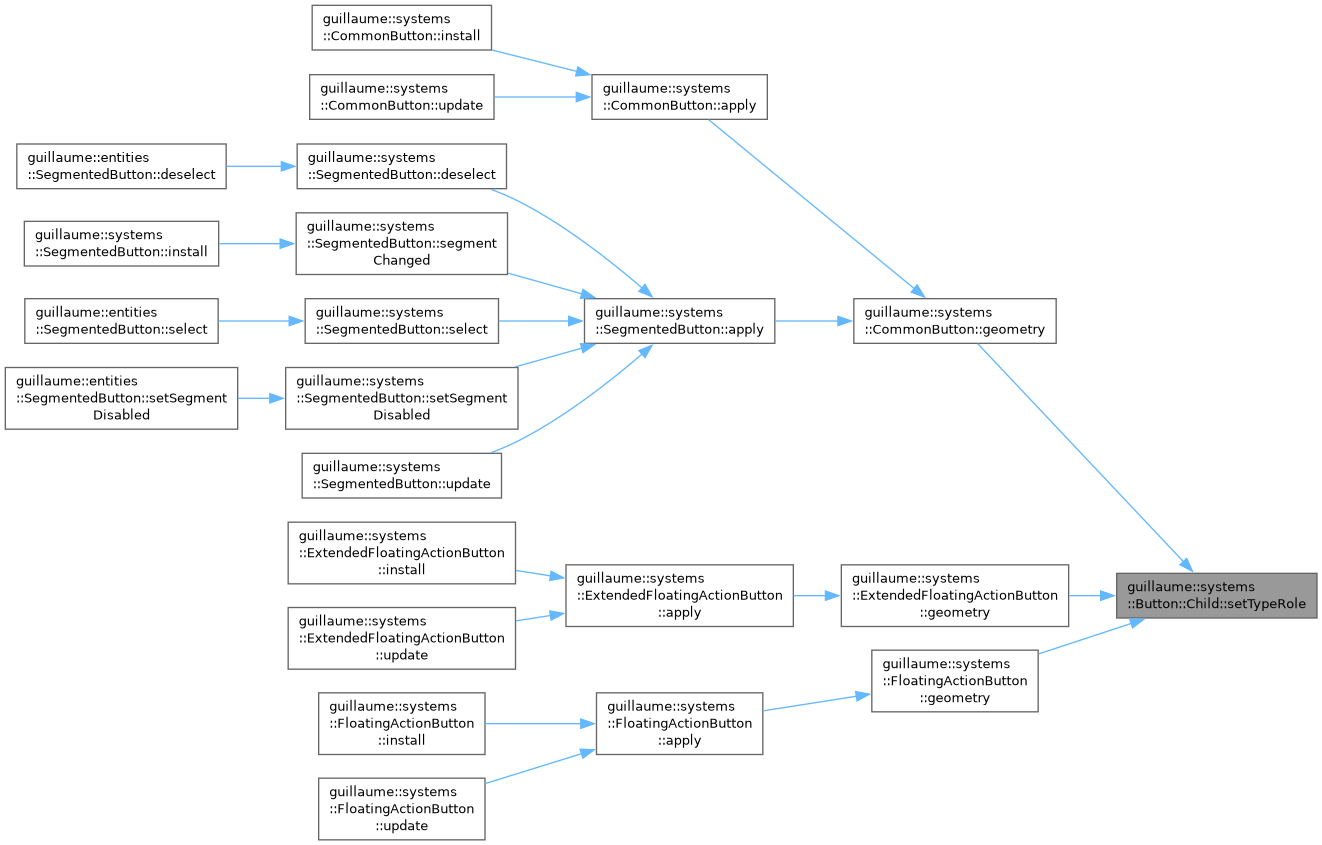
◆ setTypeRole()
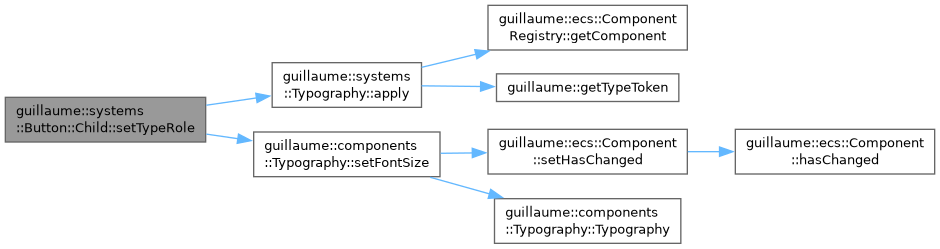
| const Button::Child & guillaume::systems::Button::Child::setTypeRole | ( | theme::TypeRole | role | ) | const |
Give the label a role of the type scale and resolve it at once.
Writes the role into the child's components::Typography, clears its font size override, then calls systems::Typography::apply so the font is up to date before the label is measured. Does nothing unless the child has both components::Typography and components::Text.
- Parameters
-
role The type role, for example theme::TypeRole::LabelLarge.
- Returns
- This handle, for chaining.
Definition at line 79 of file button.cpp.
The documentation for this class was generated from the following files:
- headers/guillaume/systems/button.hpp
- sources/systems/button.cpp
